From here you can assign rental contracts to customers. This can also be done from the screen for creating or editing a customer on the rental contracts tab.
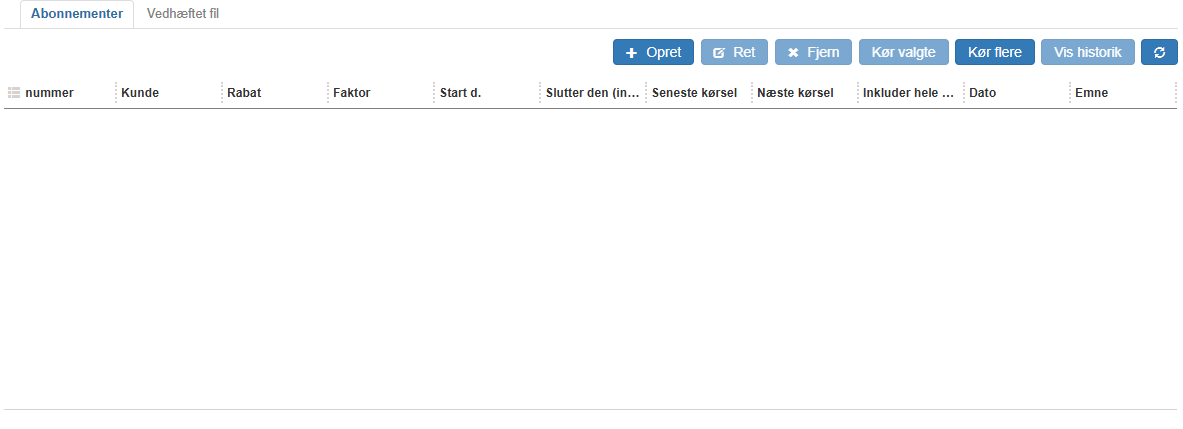
You can select which columns should be visible.
This is done using quick filters.
The possible columns in this overview are:
Customer: Can only be selected when creating a new customer contract. Here you select the customer the subscription should be assigned to.
Discount amount: Fill this in if a specific discount amount should be given to this customer on each charge.
Discount %: Fill this in if a specific discount percentage should be given to this customer on each charge.
Start date: The start date on which this subscription should take effect for the customer.
Include the entire period on the first run: For short-term rental contracts, such as daily ones, this setting will typically be enabled, so the customer is charged for the entire rental period on the first (and thus only) charge.
Serial number item: Here the rented serial number item will be shown. Sapera ensures that you cannot select a serial number item that is already rented out in the period.
New: Here it is possible to assign the rental contract to a customer.
Edit: This will edit an existing customer contract
Read more here new / edit customer contract.
Remove: Remove the rental contract from the customer.
Run: This will run the charge run and thereby create an invoice or sales order. This will show the history view as below, from which the created sales order or invoice can easily be opened.
Show history: Shows previous runs for this rental contract for the selected customer.
Want to know more?
Read more in these related articles:
New / edit customer contract (subscription)
This article walks through how to create and edit customer contracts in Sapera
Customer subscriptions
How to create, edit and run customer subscriptions in Financial. The article covers the list, the editing dialog, the history popup and the batch-run dialog.
Subscriptions
Create and manage subscription templates in Sapera. Define the period, invoicing method, item lines and settings used by customer subscription contracts during automatic invoicing.
