
How do I access customer setup?
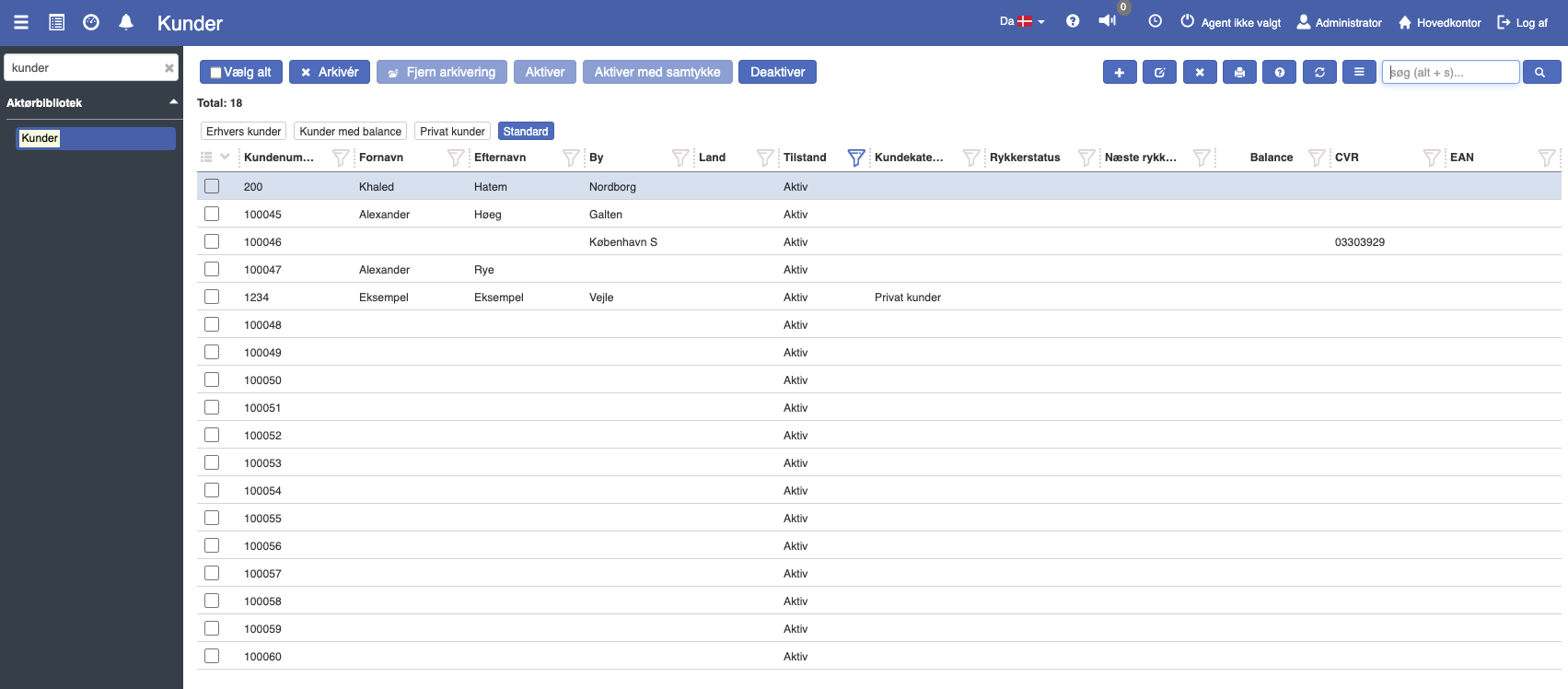
After creating a customer in the Actor library, you can open Customer setup by clicking the "Customer setup" menu item under the specific customer.
Customer setup makes it possible to override the customer category's choices on the individual customer. The values can be overridden per organizational unit.
Description of fields
Customer category: Specifies the type of customer, such as private customer, business customer, or a self-created customer category.
Payment terms: Defines the customer's payment terms, e.g. how many days the customer has to pay an invoice.
Support EAN invoicing: Specifies whether the customer can receive invoices via the EAN system.
Support sending by email: Determines whether invoices and other communication can be sent to the customer by email.
Support email invoicing: Specifies whether invoices in particular can be sent by email.
Support invoice printing: Indicates whether invoices can be printed for this customer.
Use cost price: Defines whether the customer's prices should be calculated based on the cost price of goods or services.
Suppress reminders: Specifies whether the customer should receive reminders for unpaid invoices.
Default org. unit: Identifies which organizational unit the customer belongs to, e.g. a specific department or location.
Credit limit: Specifies whether the customer has a fixed credit limit, or whether the limit can be exceeded.
Is customer reference required: Determines whether a customer reference must be filled in to complete transactions.
Contact person required: Specifies whether it is necessary to add a contact person for this customer.
Is requisitioner required: Defines whether a requisitioner must be specified on orders.
Currency: Specifies which currency should be used for the customer's transactions.
Default sales price type: Here you can add specific sales price types, such as campaign prices or "Black Friday" prices, that can be linked to the customer.
Reminder run fee account: Specifies which account should be used to handle fees for reminders.