A division level controls which organizational units (stores/departments) share the setup for customers and suppliers. All organizational units linked to the same division level share the same customer/debtor categories and supplier/creditor categories, as well as the same debtor setup (customer preferences) and creditor setup (supplier preferences).
In practice, this means customer and supplier setup only needs to be done once per division level — not for each individual organizational unit. Organizational units that should share the same setup are given the same division level; units that should have their own setup are given different division levels.
1. From Financial, go to "Setup".
2. Navigate to "Actor division levels".
3. You are now on the "Actor division levels" tab, where an overview of your actors in Sapera is visible.
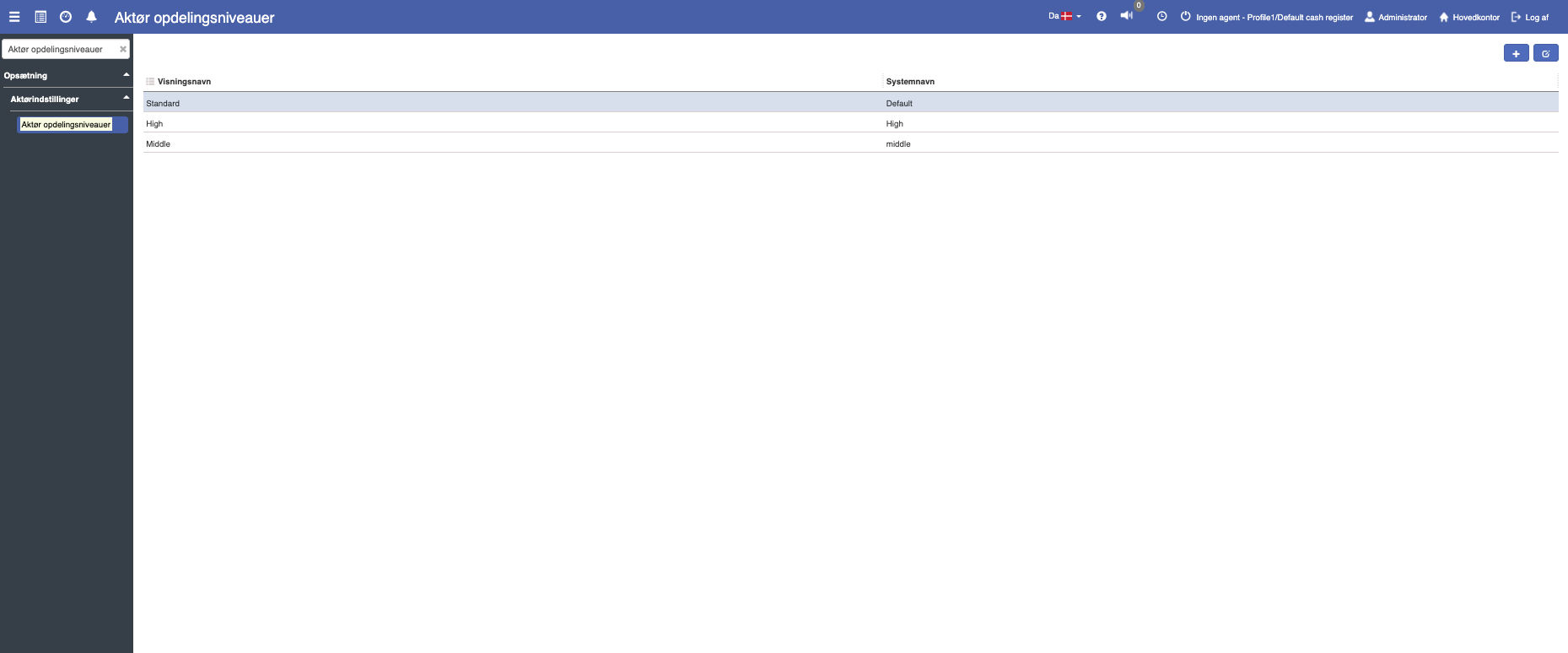
If you want to create a new division level, this can easily be done by clicking the blue "+" icon in the top right
The following menu will now open, where you have the option to create a new division level:
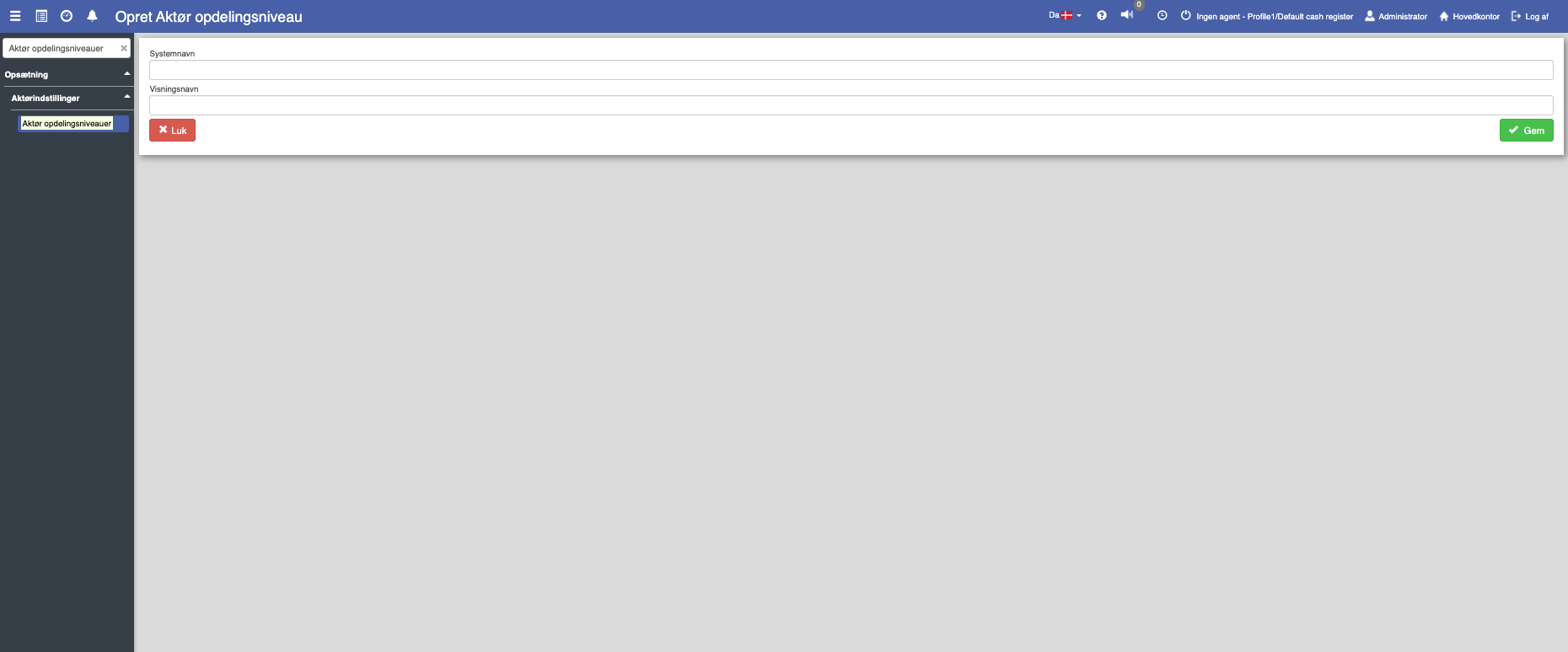
Fill in the fields and finish with "Save".
System name:
The system name specifies the technical identifier of the division level. This is the name Sapera uses to locate the division level in other modules of the system.
When created, the system name must not contain spaces, "æøå" or special characters.
Display name:
This is where the display name of the division level is shown. A division level display name could, for example, be: "Department" or "Region".
Want to know more?
Read more in these related articles:
Actor setup
This article explains how actors are linked to organizational units via actor setup in Sapera
Actor library (customers and suppliers)
Search, create and edit customers and suppliers in Sapera Financial.
