
How do I create a printout of my customer specifications?
1. From Financial, go to "Actor library" -> "Customers".
2. From the Customers page, you can click the printer icon in the top right corner.
3. Select the printout "Customer specification"
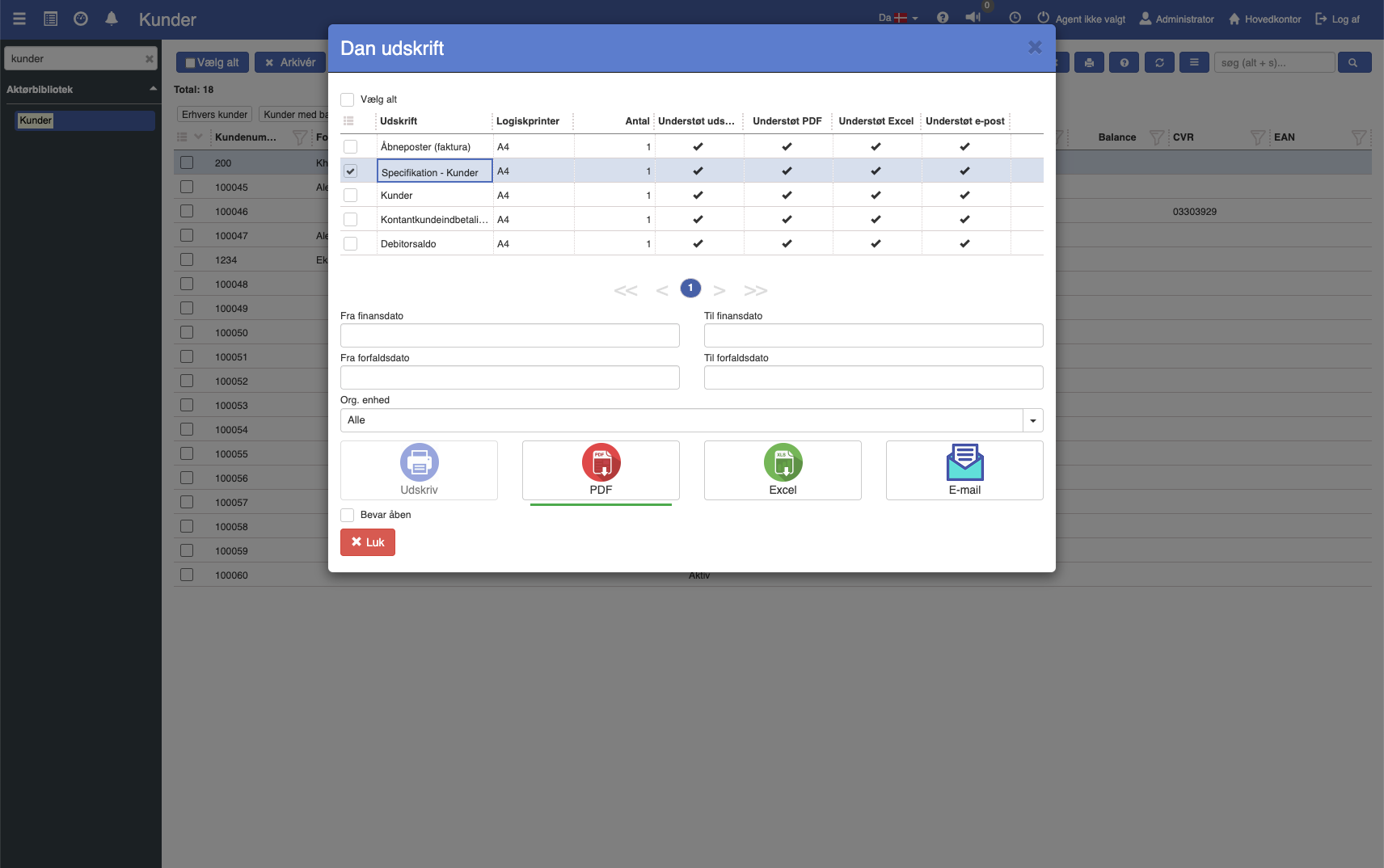
4. Fill in the fields (the fields are described below)
5. Click the print format you want to print in.
Want to know more?
Read more in these related articles:
Specification
This article explains how to create a supplier specification via the print function in Sapera
Specification - Customers
Accounts receivable statement across customers with entries and a running balance per customer in a selected period.
Specification
Stock specification per stock date for the selected products, with inbound, outbound, and reservations. Printed from the product via the printer icon.