
Start by opening “Financial” in the menu in the top left corner.
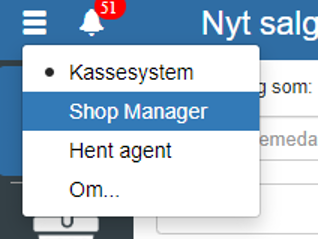
Then click “Setup” and select “Payment terms”
You can also search for “Payment terms” by clicking the search field in the top left corner.
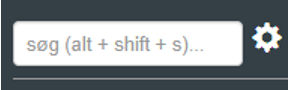
NOTE: if you cannot find “Payment terms”, it is because you lack permissions for it. In that case you can contact support to gain access.
Click “+”
If you want the payment term to last 5 days + current month, you must tick “Is current month”
REMEMBER to finish by clicking “Save”
Want to know more?
Read more in these related articles:
Payment terms
Learn how to create and edit payment terms in Sapera — credit days, current month and cash discount — and understand where the terms are used on invoices and actor categories.
Customer categories
Create and edit customer categories (debtor categories) in Sapera. Customer categories bundle shared payment terms, financial accounts, credit limits and invoicing rules that are automatically inherited by customers in the category.
VAT reporting - automatic
This article explains how VAT reporting is performed automatically via the Danish Tax Agency's API in Sapera