
Start by opening “Financial” in the menu in the top left corner.
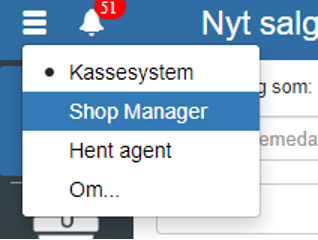
Then click “Setup” and select “Supplier category”
You can also search for “Supplier category” by clicking the search field in the top left corner.
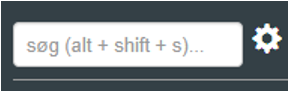
NOTE: if you cannot find “Supplier category”, it is because you lack permissions for it. In that case you can contact support to gain access.
Click “+”
For a supplier category you can fill in the following:
System name (does not support “æøå“ and spaces)
Display name
Selection of Financial account
Extra VAT type
Payment terms
Currency
Without VAT
REMEMBER to finish by clicking “Save”
Want to know more?
Read more in these related articles:
Supplier categories
Create and maintain supplier categories in Financial. A supplier category bundles default settings for accounting, payment term, VAT type and payment type that are automatically suggested when you work with the supplier's invoices in the expense journal.
Supplier setup
This article explains how to access and change the supplier setup for a specific supplier
Accounting - Creating a customer category
This article explains how to create and configure customer categories in Sapera