
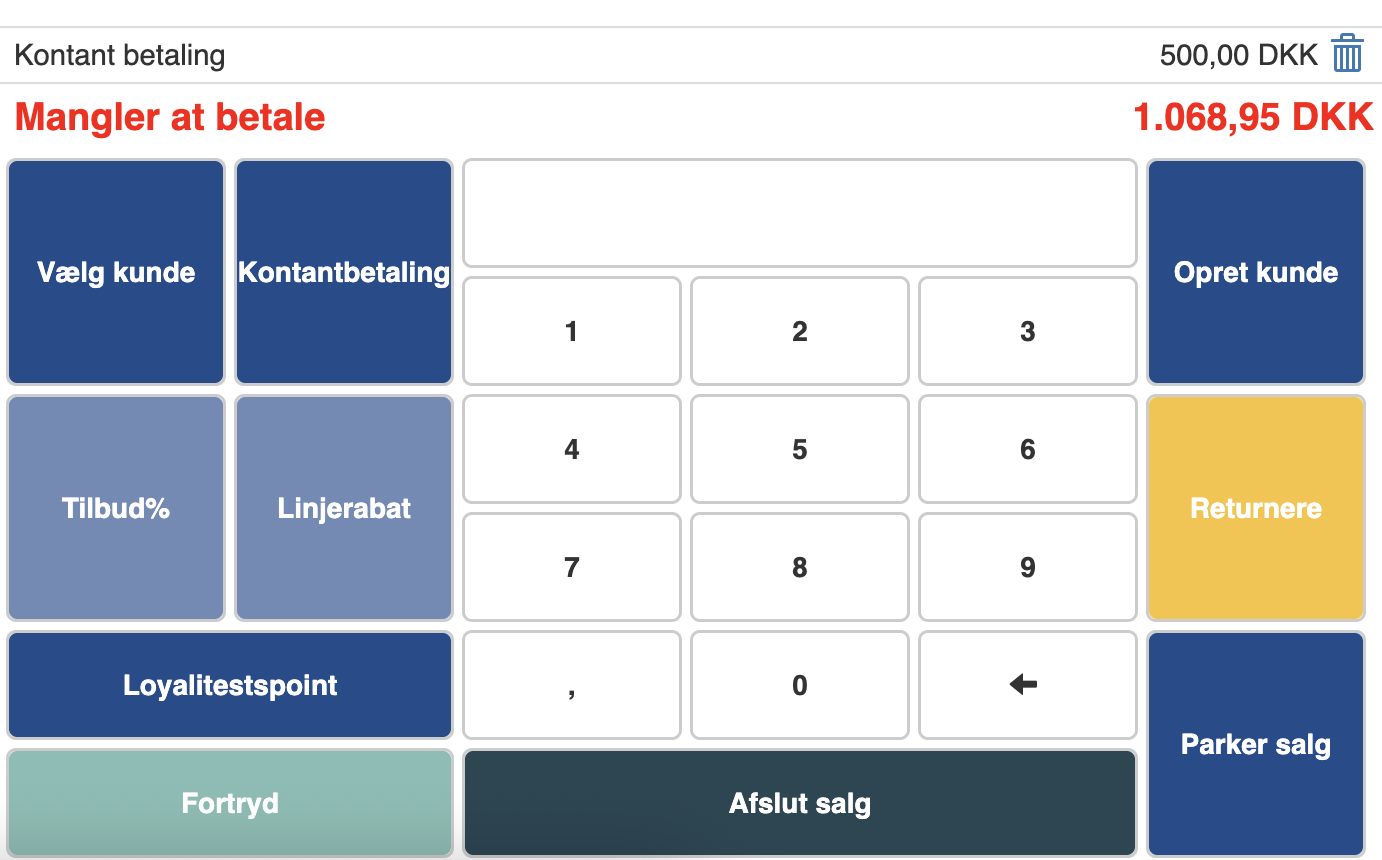
If the customer wants to split their payment, so they pay part in cash and another part by another means, you must first click “Cash payment”.
Here you enter the amount the customer wants to pay in cash and click “Pay”.
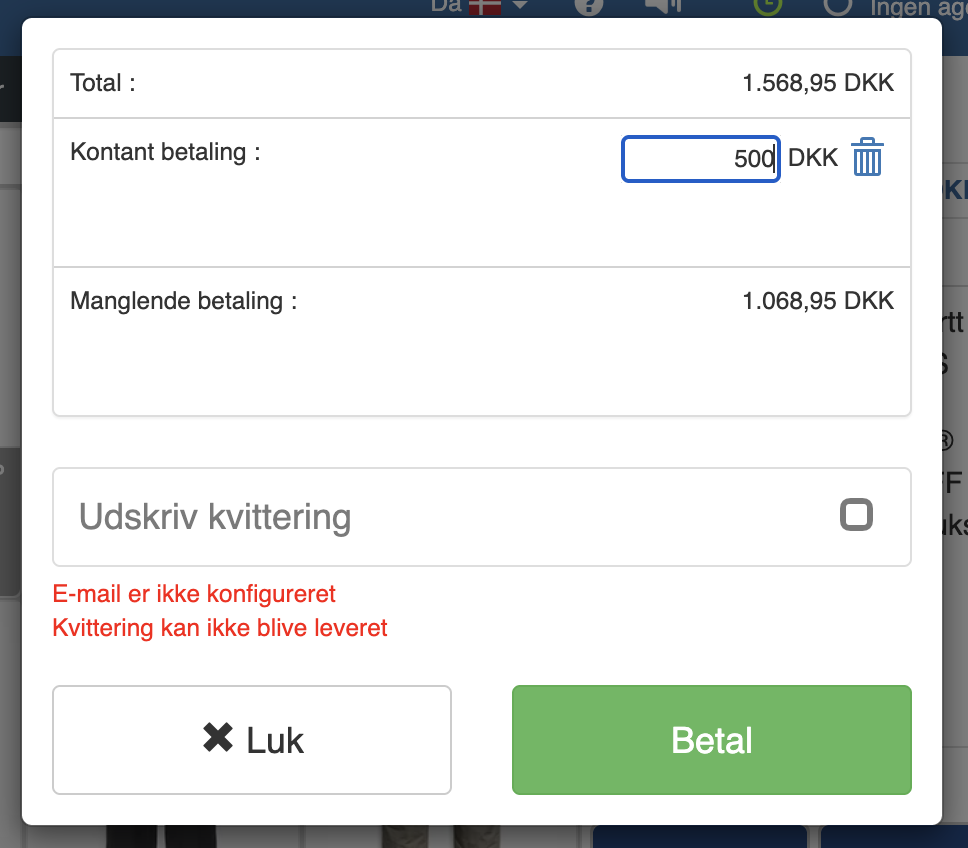
The cash amount will then be deducted, and you can complete the sale as normal.
Want to know more?
Read more in these related articles:
Create an invoice and pay it
Create an invoice and pay it
Deposit to customer account
Deposit to customer account
Cash reconciliation
This article shows how to perform the end-of-day reconciliation in the Pos module