
How do I create an invoice?
If you want to create a new invoice, this can easily be done by clicking the blue "+" icon in the top right corner.
The following menu will now open, where you have the option to create a brand new invoice by clicking “Create new”:
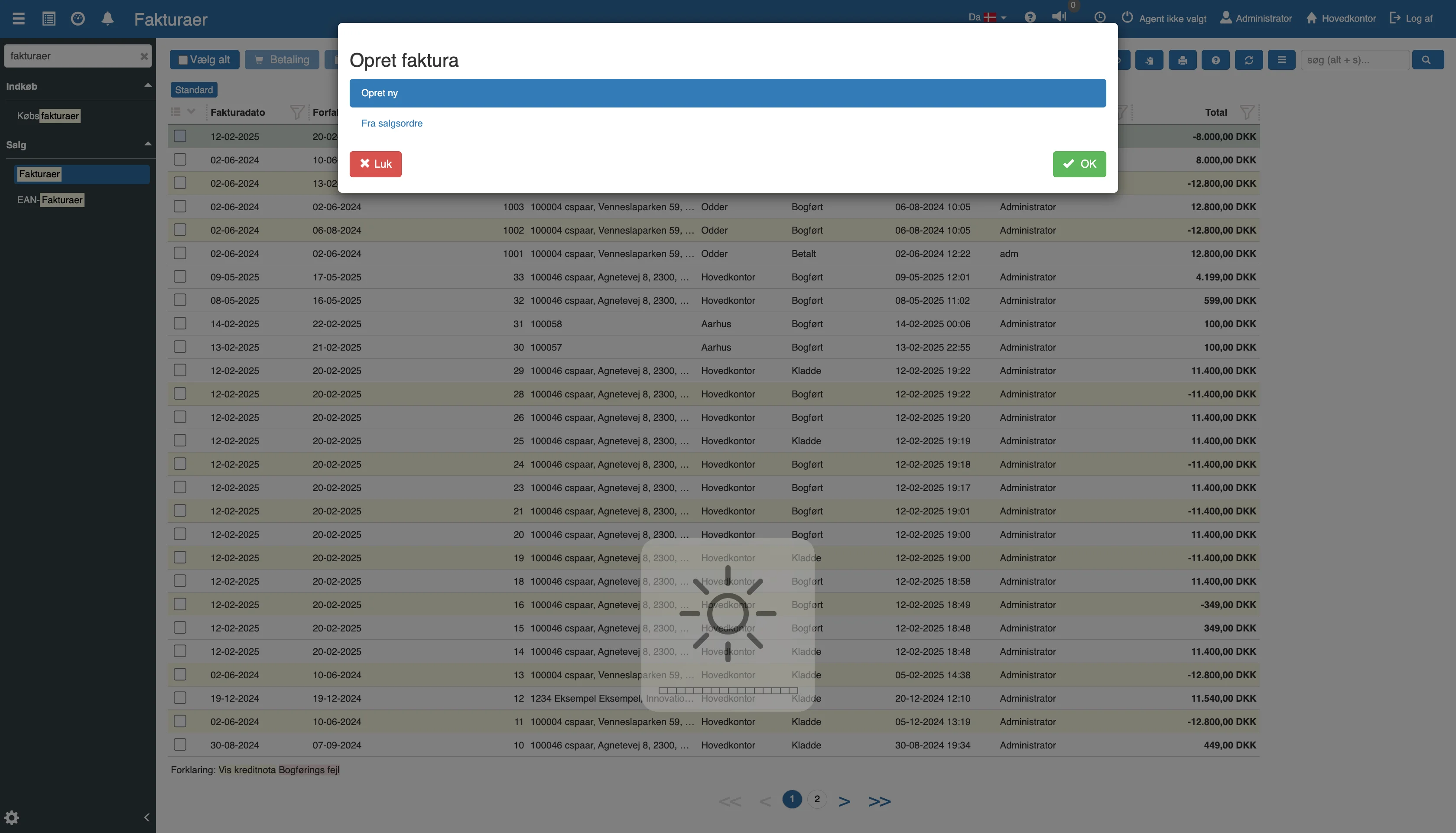
Select "Create new" and click "OK"; you will now be taken to the following menu:
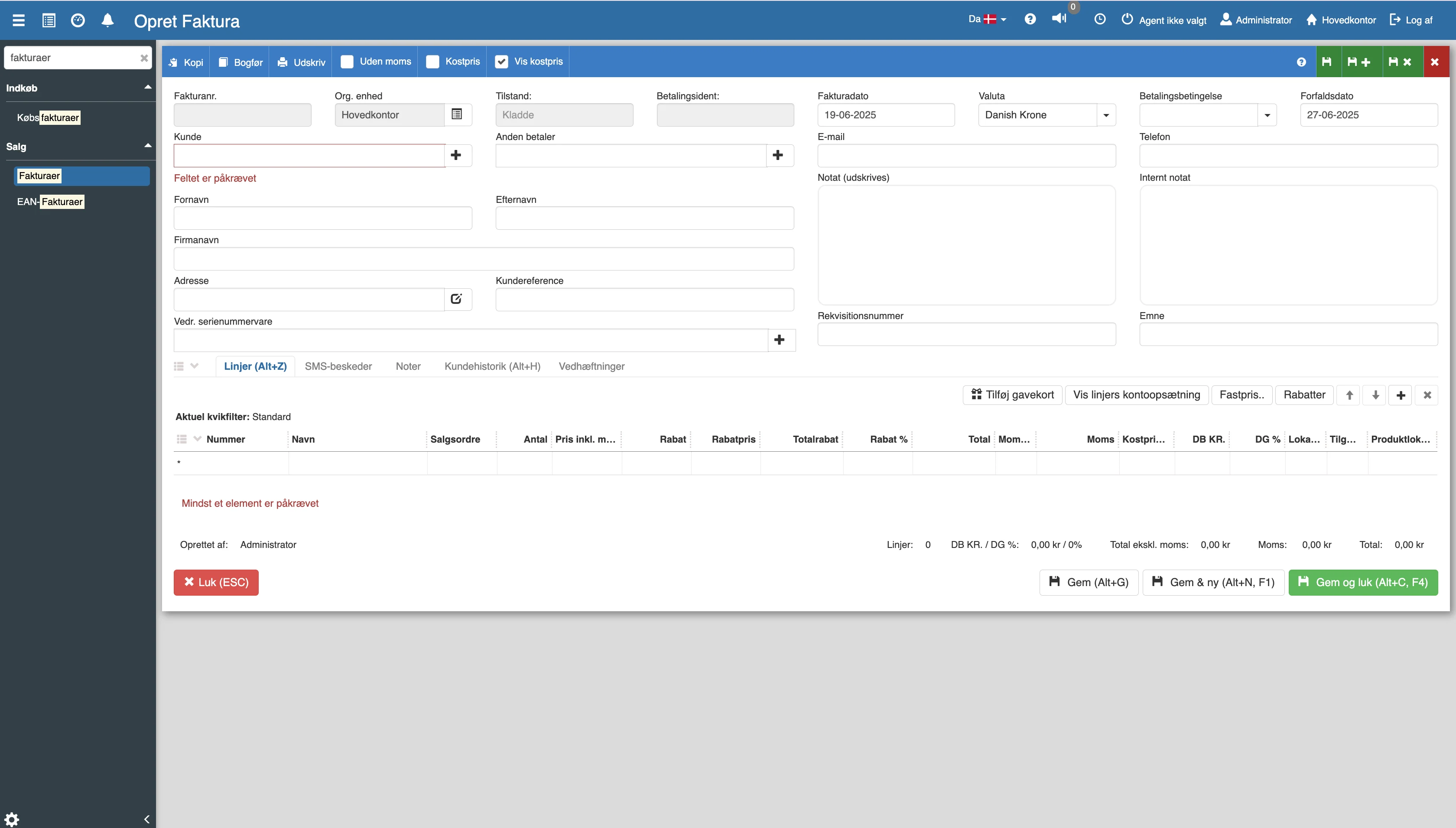
Fill in the fields and finish with "Save".
Want to know more?
This guide covers only the basic creation. For a full walkthrough of all the fields, adding item lines, printouts and the posting itself, you can read our in-depth articles here:
Invoices
This article explains what invoices and credit notes are, and how you create them in Sapera
Invoice
This article explains how you create an invoice printout in Sapera
Serial-numbered item not in stock: sale, return and buy-back
What the different choices mean and what triggers them – also applies from invoices.