
How do I access supplier categories?
If you want to access supplier invoices, this is easily done by opening “Financial” in the hamburger menu in the left corner and then searching for “supplier category”.
The following menu will now open, where you have the option to edit your existing ones or create a new one.
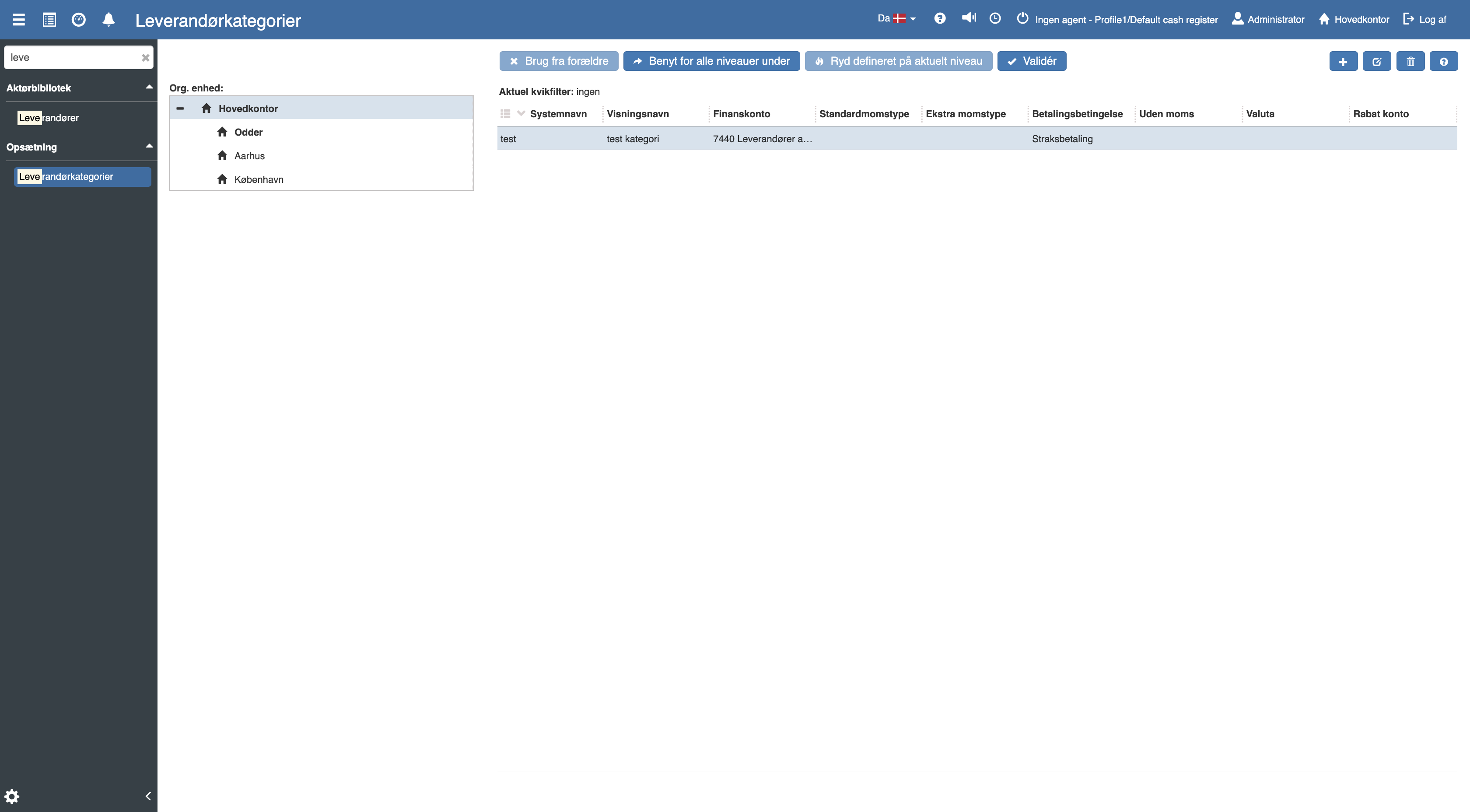
If you want to create a new supplier category, this is easily done by clicking the blue "+" icon in the top right corner.
The following menu will now open, where you have the option to create a brand new supplier category.
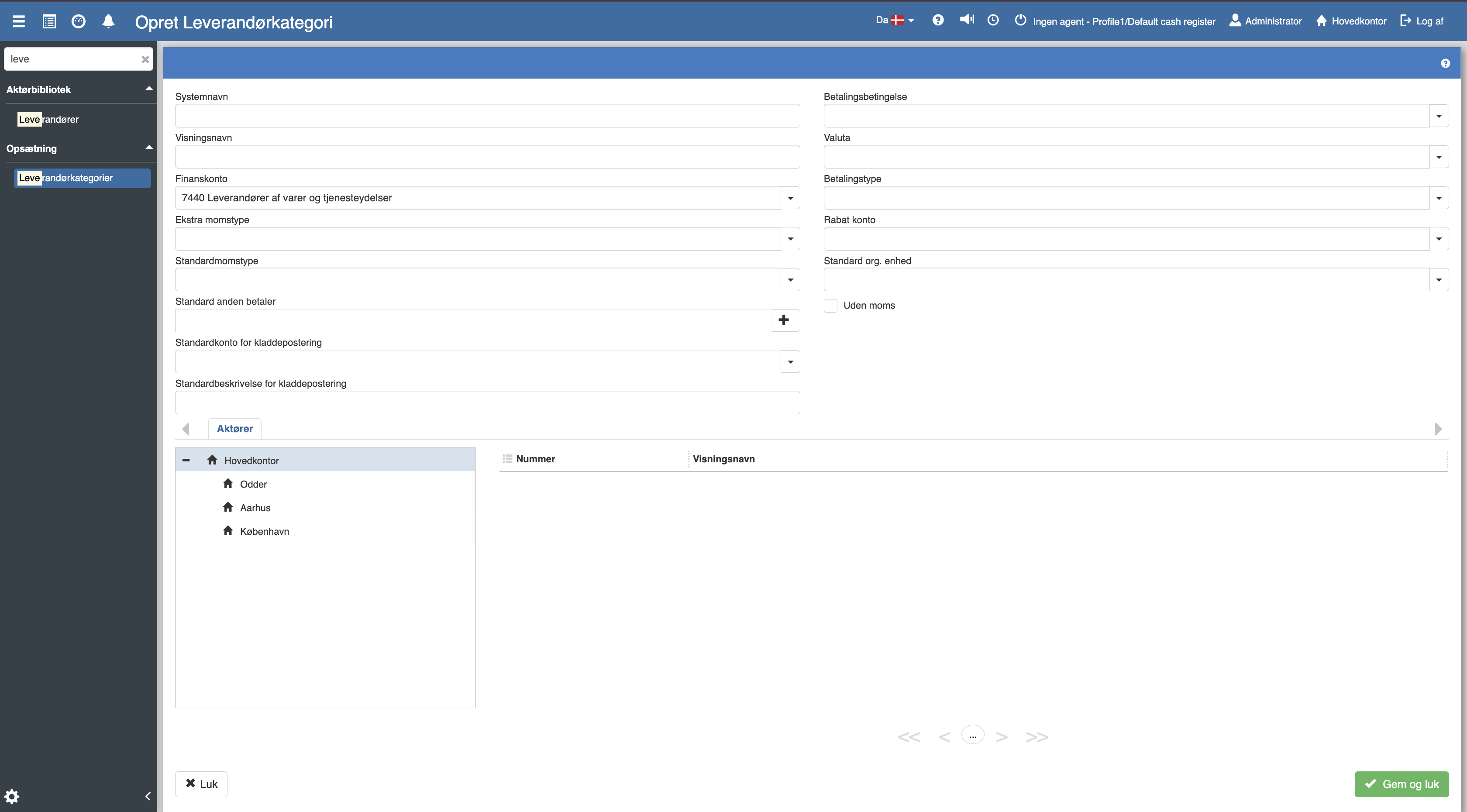
Supplier categories are used to manage, among other things, payment terms, currency, VAT and general ledger accounts for groups of suppliers.
For details about the fields, VAT types, payment setup, levels and validation, see the full article.
Supplier categories
This article explains how supplier categories are set up and used in Sapera