
What is settlement?
Settlement is used to link entries together – typically an invoice and a payment – so they balance out. When entries are settled, they are marked as completed and the customer's balance is updated. This makes it easier to keep track of which amounts are still open and which have been settled.
How do I settle customers automatically?
1. From Shop Manager, open "Actor library" → "Customers".
2. Select customers using the checkboxes, or use the [Select all] button.
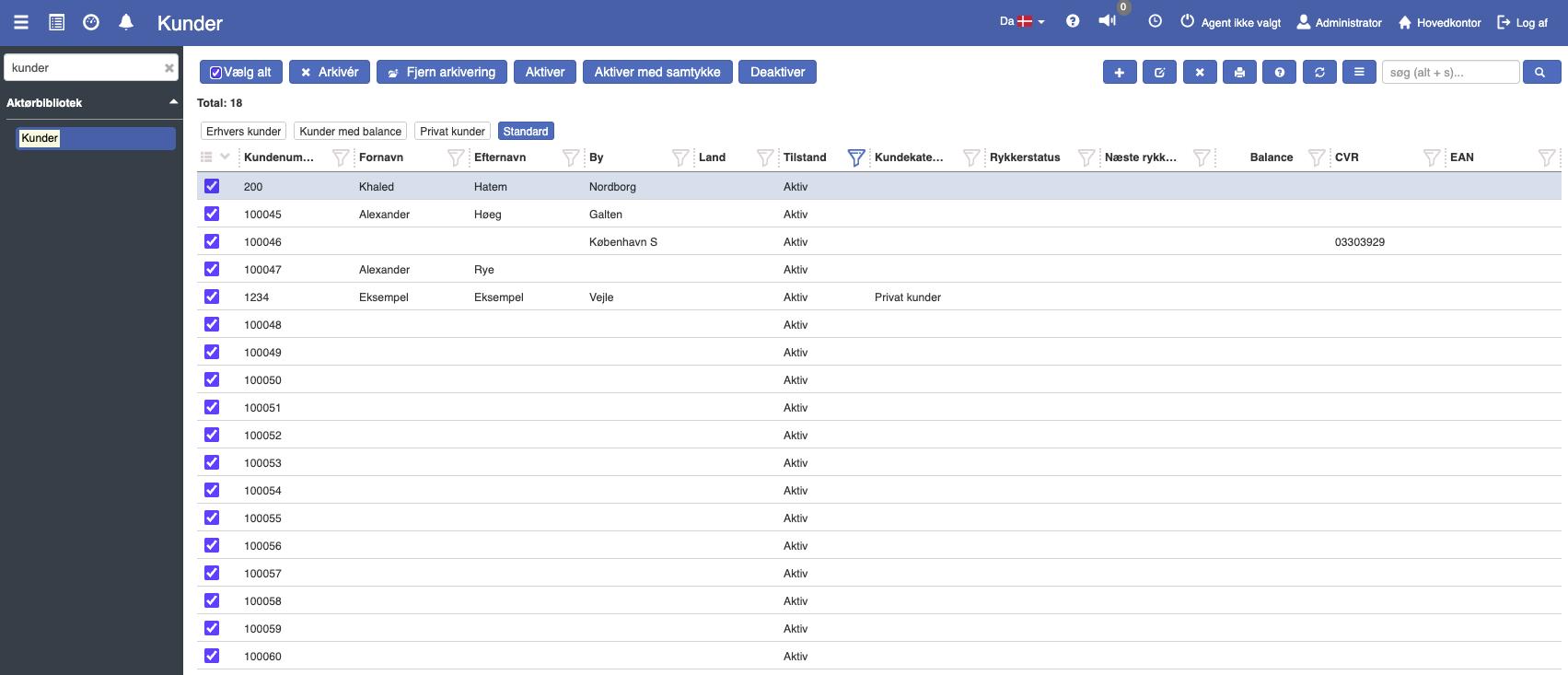
3. Click the blue hamburger menu in the top-right corner.
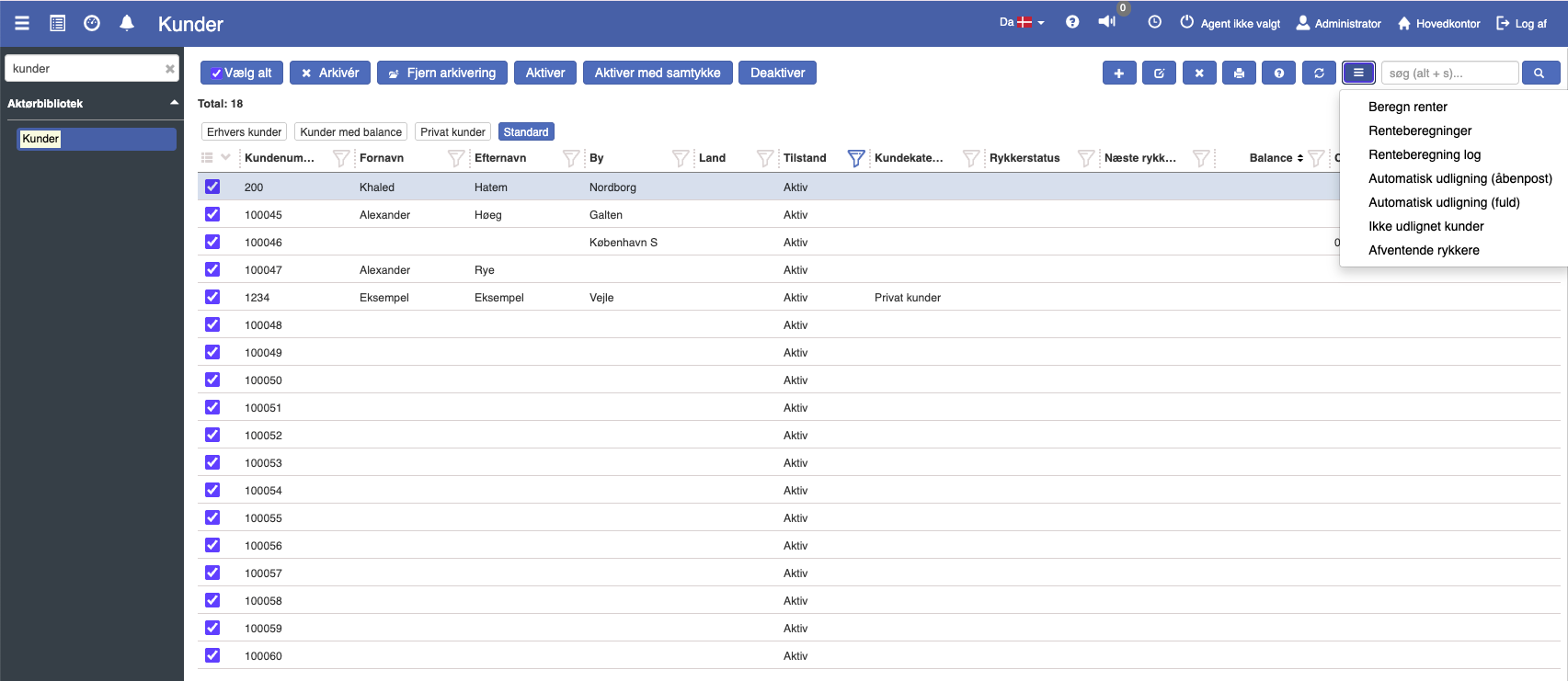
4. Click "Automatic settlement of open entries".
5. The selected customers are now settled.
Functions in the settlement window
If you open settlement for a single customer via the entries tab, you will find the following buttons:
Show settled: Also shows the entries that have previously been settled.
Settle selected: Settles the selected entries if their sum equals zero.
Remove settlement: Reverses the settlement of one or more entries.
Settle all automatically (open entry): The system attempts to settle open entries against each other automatically.
Remove all: Removes all selected settlements in the overview.
Add (+): Manually adds extra entries to the settlement.
Start settlement from the overview
Automatic settlement can now be started directly from the overview.