
What are product document file types?
Product document file types are a feature in the product catalog setup that allows you to categorize and structure documents linked to products. This feature is especially useful for companies that want to keep track of different types of documents such as user manuals, technical specifications, certificates, or marketing material. By defining specific file types, the company can ensure that all relevant documents are organized and easily accessible for both internal users and customers.
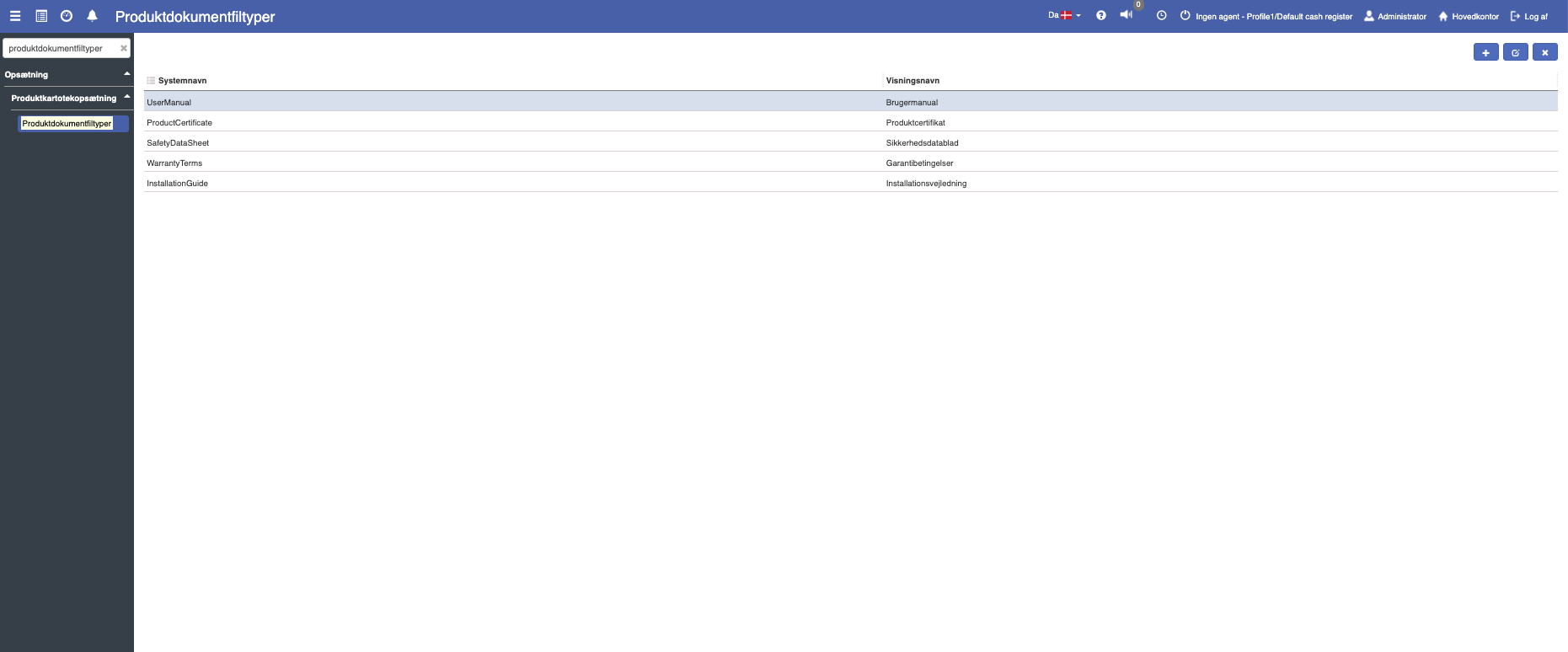
Each document type consists of a system name and a display name. The system name is used internally in the system, while the display name is what is shown to the user. For example, a file type like "UserManual" can have the display name "User manual".
How do I access product document file types?
1. From Financial, go to "Setup".
2. Navigate to "Product catalog setup" -> "Product document file types".
3. You are now on the "Product document file types" tab, where an overview of your product document file types in Sapera is visible.
How do I create a new product document file type?
If you want to create a new product document file type, this can easily be done by clicking the blue "+" icon in the top right.
The following menu will now open, where you have the option to create a new product document file type:
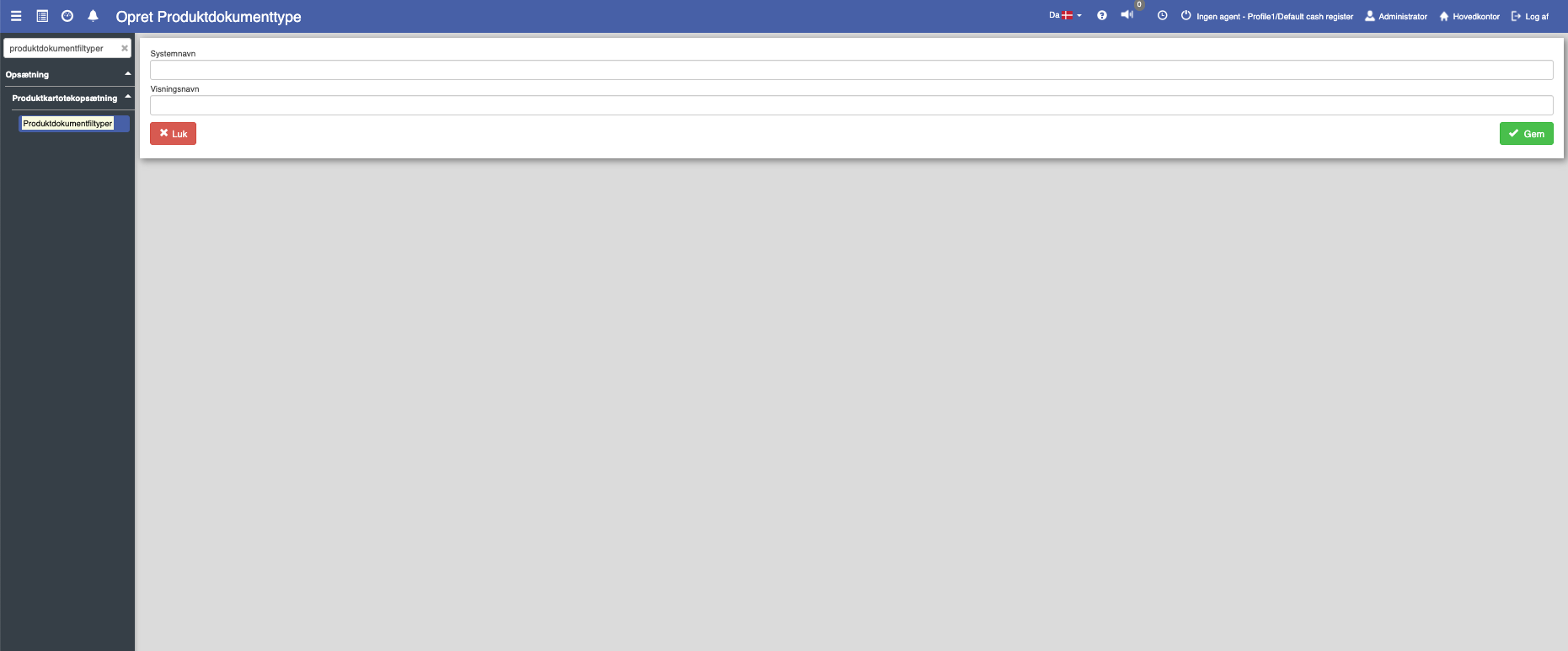
Fill in the fields and finish with "Save".
Field descriptions
Display name:
The name presented to users in the system interface.
System name:
An internal name used to identify the product document type in the system. This name must be unique and must not contain spaces, "æøå" or special characters.
Want to know more?
Read more in these related articles:
Document types
Set up and manage document types in Financial. Document types are used to categorize attachments on sales invoices, sales orders, sales quotes and purchase invoices.
Actor file types
This article explains how to access and create actor file types in Sapera