
Start by opening "Financial" in the menu in the upper left corner.
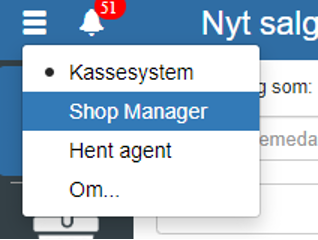
Then click "Product" and select "Stock journals"
You can also search for "Stock journals" by clicking the search field in the upper left corner.

NOTE: if you cannot find "Stock journals", it is because you lack permission for it. In that case, you can contact support to get access.
Select the journal you want to post inventory automatically and click "Edit"
Check "Automatic posting"
REMEMBER to finish by clicking "Save"
Want to know more?
Read more in these related articles:
Accounting - Setting up automatic posting
This article explains how to enable automatic posting on posting journals in Sapera
Label settings
Walkthrough of all settings under the Labels category in the Inventory module: label printer, direct print, template, margins, paper size and default barcode type.
Stock settings
Walkthrough of all settings under the Stock category in the Inventory module: stock management, locations, cost price update, negative stock levels and voucher handling.