
How do I access a sales order?
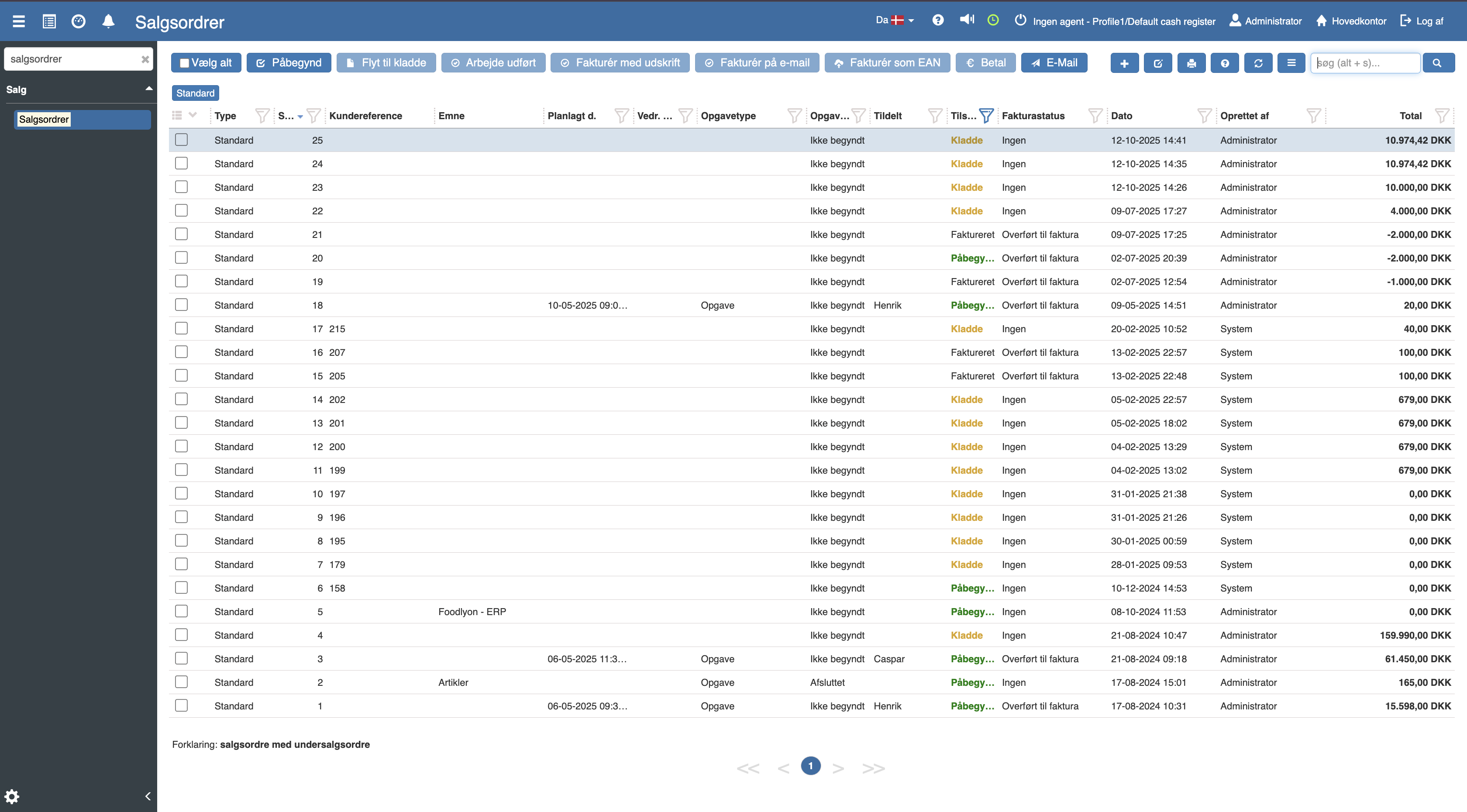
If you want to access a sales order, this can easily be done by opening the hamburger menu in the left corner and clicking “Financial”. Then search for sales orders and you will be taken to an overview of all your sales orders:
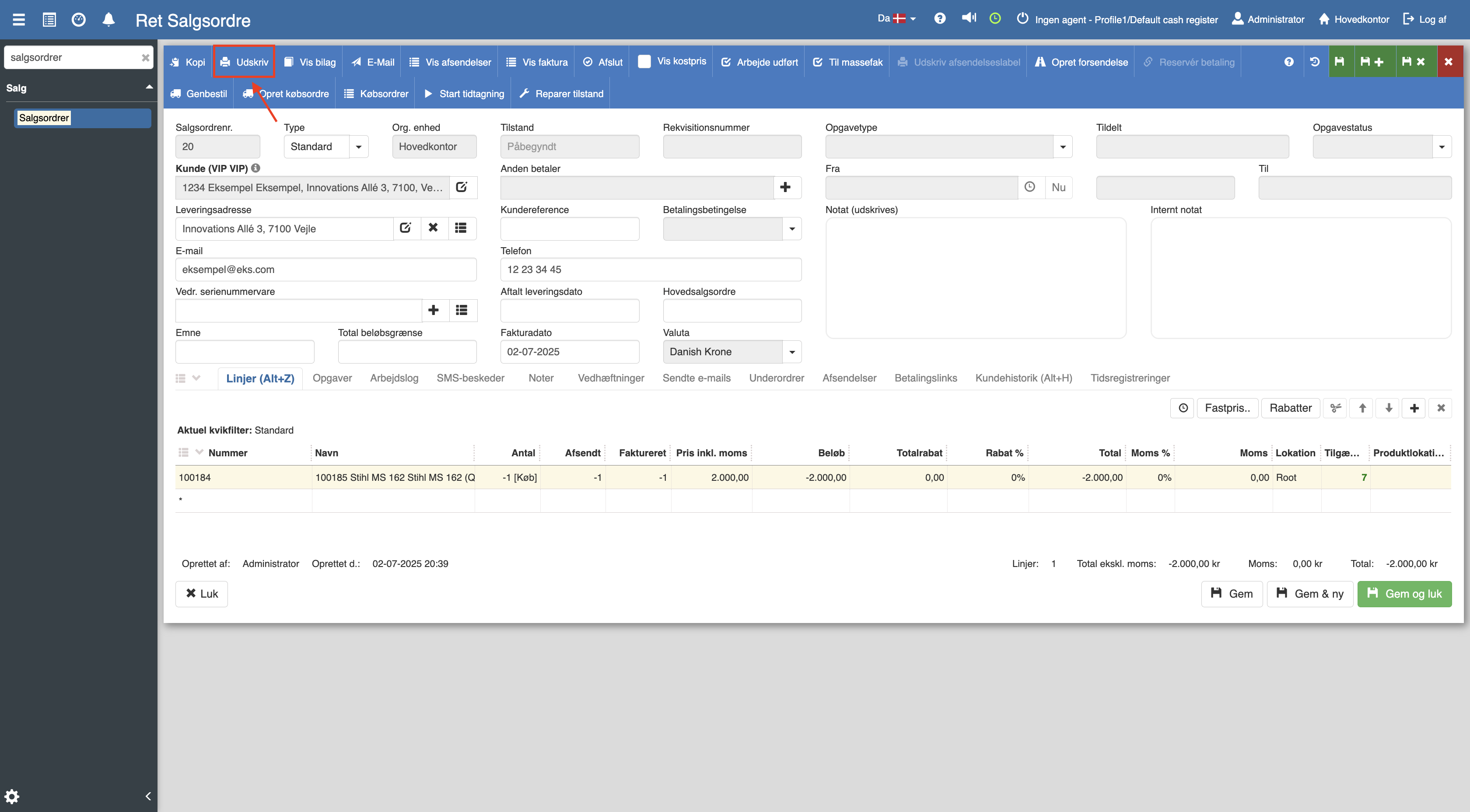
Click the relevant sales order you want to access. Then find “Print”, which is marked with a red square in the image:
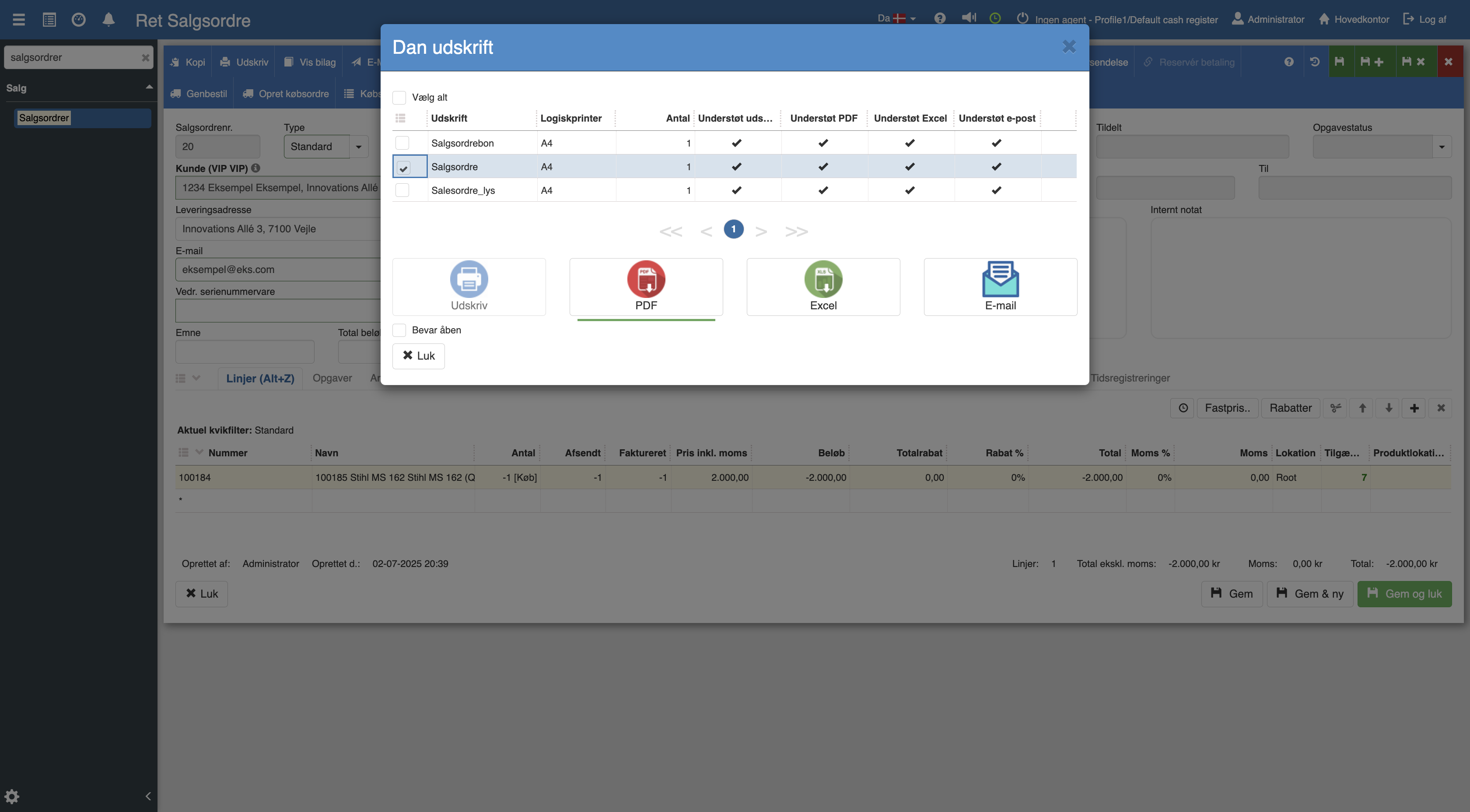
the following menu will now open, where you have the option to print your sales order as PDF, Excel or via email, which is also sent as a PDF.
Want to know more?
Read more in these related articles:
Sales order (printout)
The sales order printout is the actual sales order document for a single sales order with order header, item lines, prices and totals. Here is how you start and print it.
Sales order - light (printout)
Sales order (light) is a simplified, compact printout of a single sales order with customer, order number and item lines. Here is how you find and print it.
Creating sales orders
This article explains how you create a sales order.