
If a customer wants to deposit money into their account, this can be done through the Pos in Sapera.
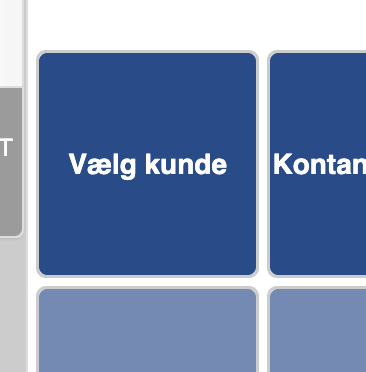
Click “Select customer”
Find the customer by searching for their name, customer number, address, etc., and click “Search”
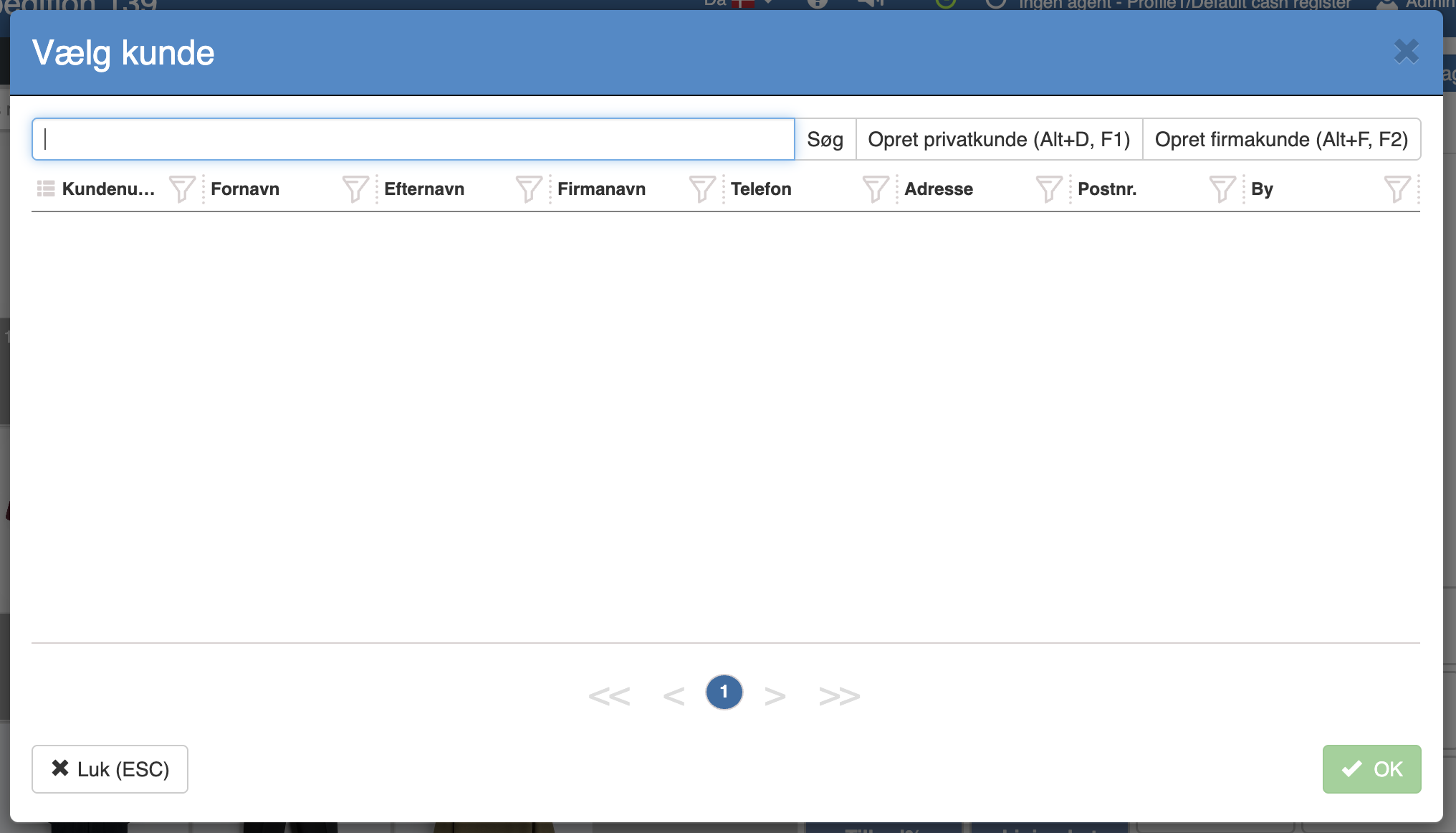
Then select the desired customer and click “OK”
The customer and their balance will now appear on a sales line.
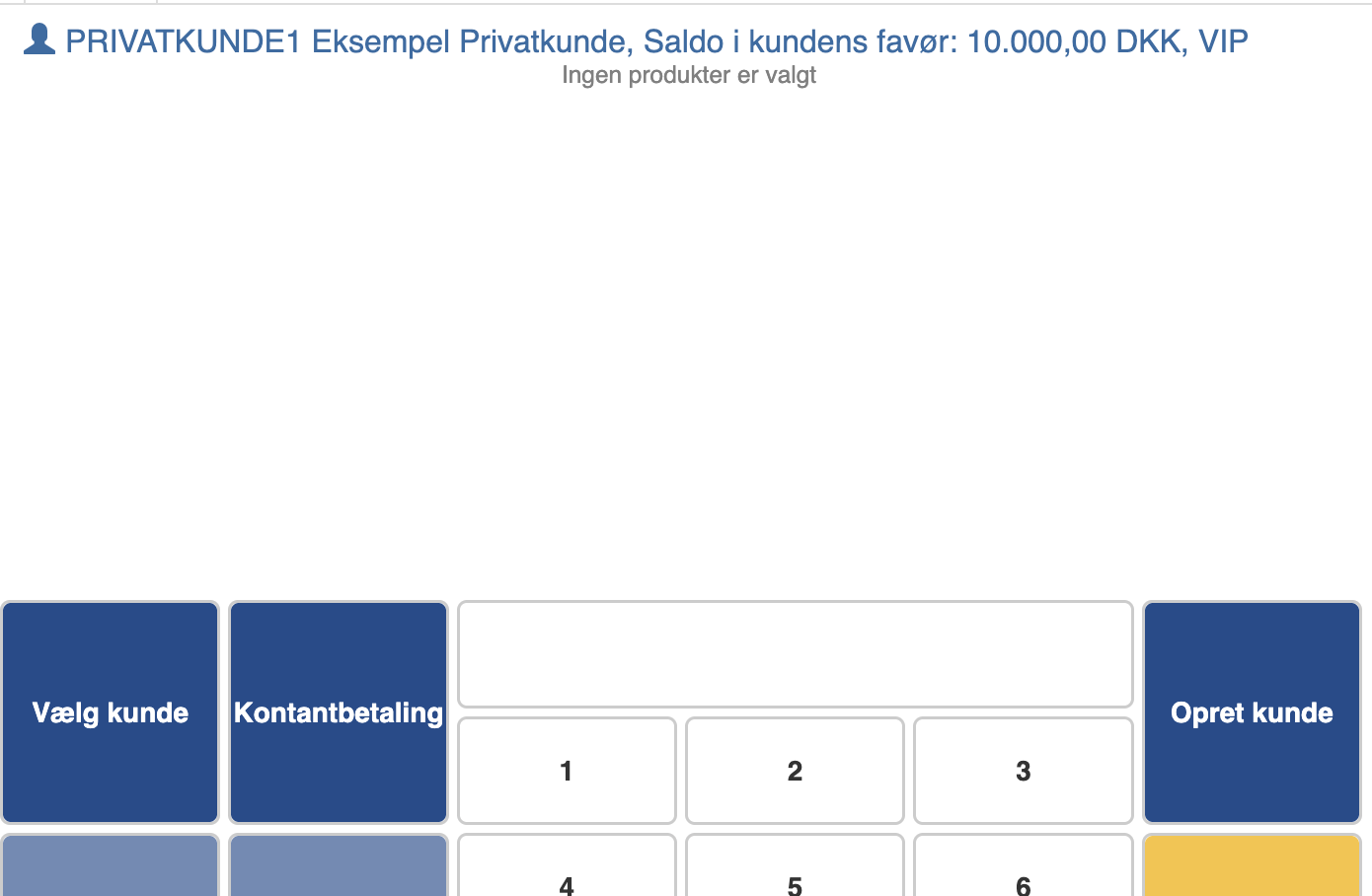
Enter the amount the customer wants to deposit at the Pos and click “Cash payment” → “Pay”
Then click “Complete sale”, where you will get the options shown below.
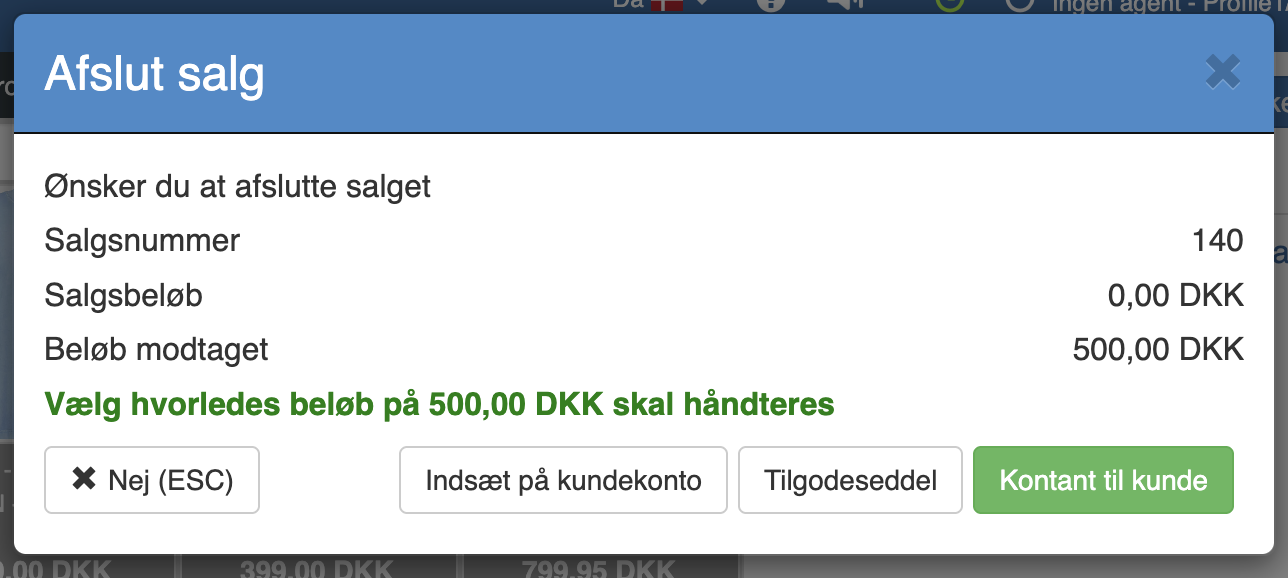
Here, click “Deposit to customer account”
Want to know more?
Read more in these related articles:
Cash customer payments
This article reviews the criteria and columns for printing cash payment lists in Sapera
Partial payment
Partial payment
Transfer sale to invoice
Transfer sale to invoice