
How do I access receipts?
If you want to access receipts, this can be done by opening Financial in the hamburger menu in the left corner and then searching for “Receipts”.
You will now be taken to the receipts overview, where you can view and edit your existing receipts.
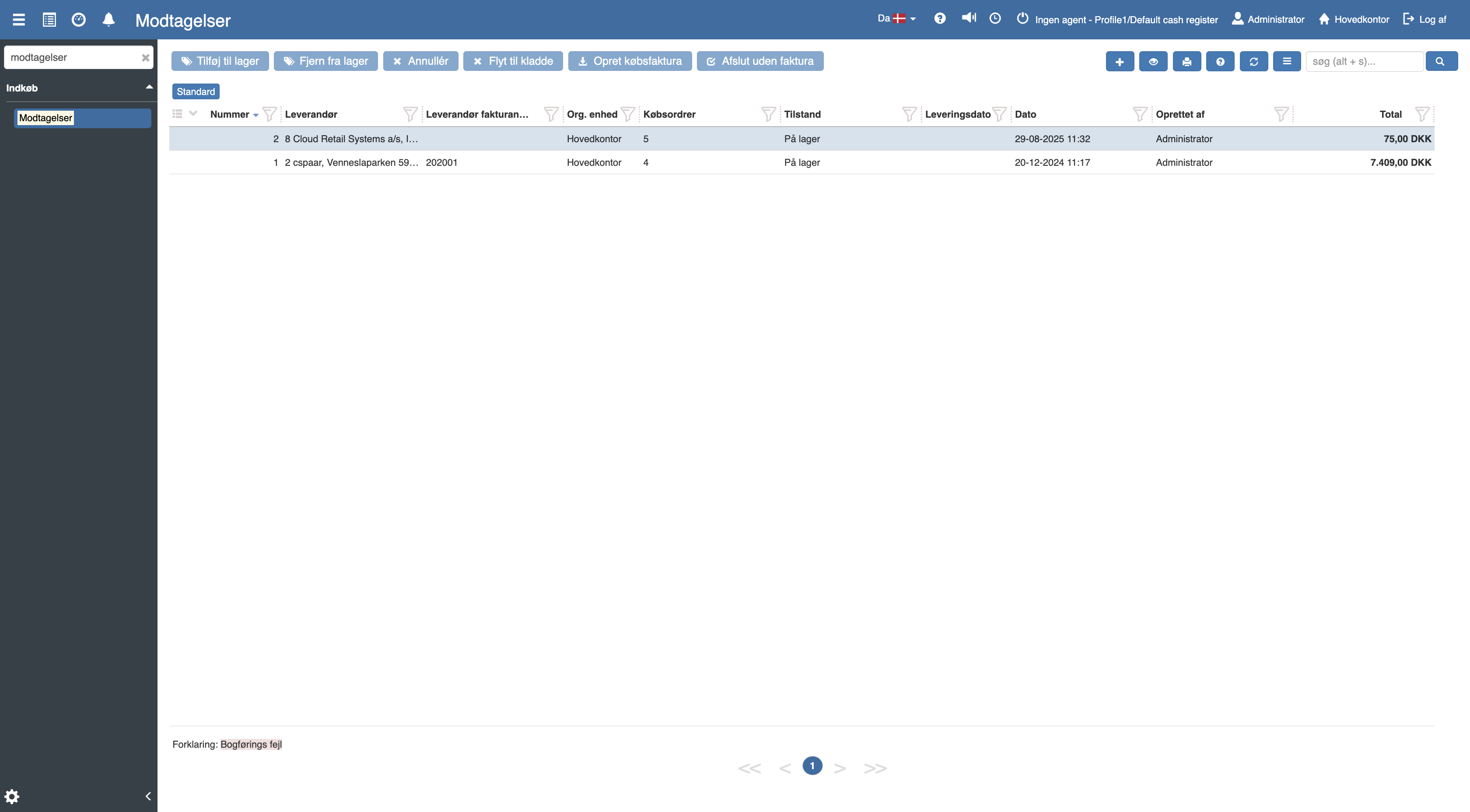
If you want to create a new receipt, this can be done by clicking the blue “+” icon in the top right corner.
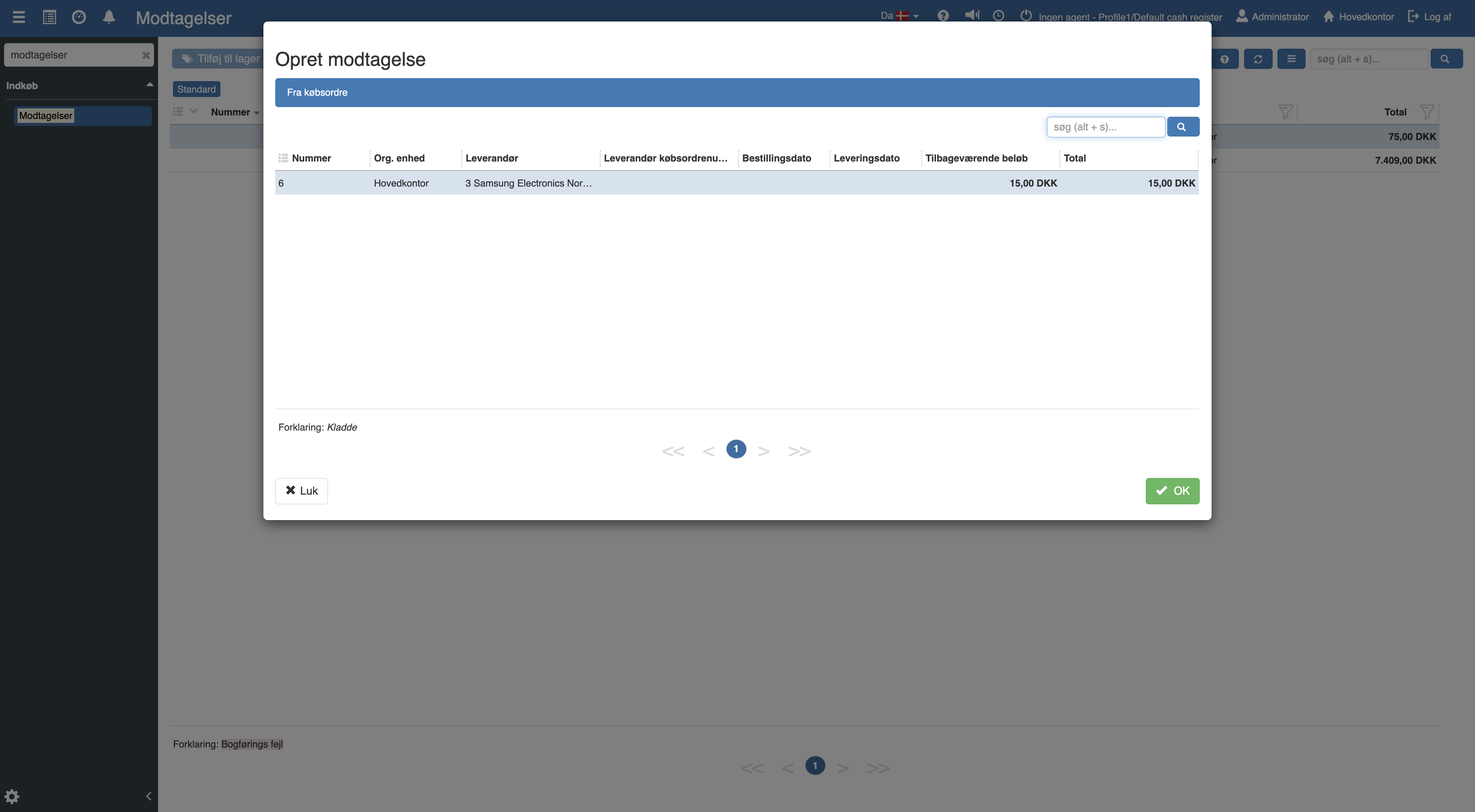
The following menu will now open, where you select the purchase order the receipt should be created from, and click “OK”.
The following menu will now open, where you can register the received goods.
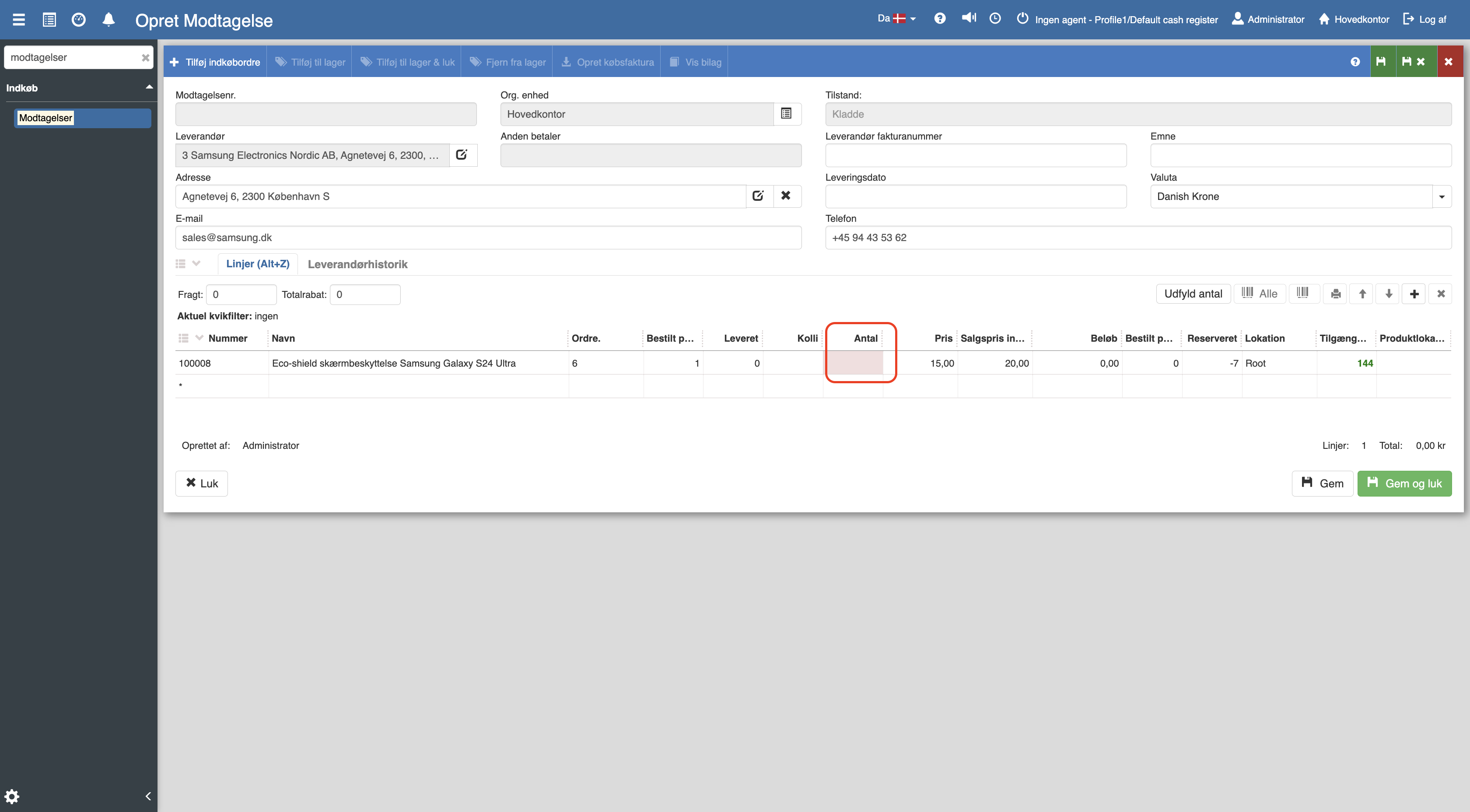
Enter the quantity by double-clicking in the Quantity column or use the “Fill quantity” button.
For details about supplier history, warehouse location and other fields, see the full article.
Receipts
This article explains how to register and handle receipts from suppliers in Sapera