You can open/close finance periods for the following:
The whole year
The quarter
Monthly
This choice is made here → Open "Financial" in the menu in the upper left corner.
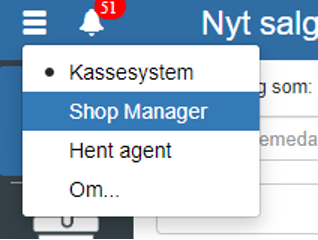
Then click "Setup" and select "Finance periods"
You can also search for "Finance periods" by clicking the search field in the upper left corner

NOTE: if you cannot find "Finance periods", it is because you lack permission for it. In that case, you can contact support to get access.
Select and click to edit the period you want to open or close.
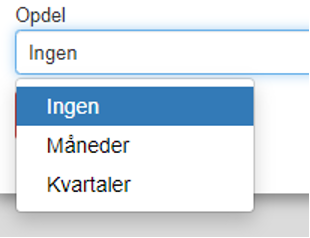
NOTE: none = the whole year
REMEMBER to finish by clicking "Save"
Click "Setup" → "Finance periods"
NOTE: if you cannot find "Open/close finance periods", it is because you lack permission for it. In that case, you can contact support to get access.
Depending on how you have chosen to subdivide your finance period, you can select the period you want and click "Close"
Want to know more?
Read more in these related articles:
Accounting - Finance periods
This article explains how to create and manage finance periods in Sapera
Accounting - Finance setup
This article explains how to configure the finance setup in Financial
Open/close finance periods
Learn how to open and close finance periods in Sapera. The article describes the screen's columns, the button's function and the permissions required to use the function.
