
Start by opening "Financial"
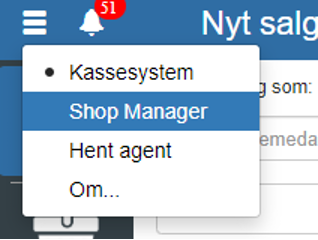
Then click "Accounting" on the left side.
Then click "Posting journals"
You can also search for "Posting journals" by clicking the search field in the upper left corner.

NOTE: if you cannot find "Posting journals", it is because you lack permission for it. In that case, you can contact support to get access.
Select the journal you want and click "Edit"
Check "Automatic posting"
REMEMBER to finish by clicking "Save"
Want to know more?
Read more in these related articles:
Accounting - Setting up automatic inventory posting
This article explains how to enable automatic inventory posting for stock journals in Sapera
VAT types
How to create, edit and validate VAT types in Sapera. The article covers all three sections (VAT, Used-goods VAT and EU VAT / Reverse charge types), the exclusivity rule, the Clear button per section, the Validate function and the deletion flow.
VAT reporting - automatic
This article explains how VAT reporting is performed automatically via the Danish Tax Agency's API in Sapera