
Sapera's product register is the heart of your inventory and sales management. This is where you create and manage all the products you purchase, store in the warehouse and sell to your customers.
Navigation You find the module by opening the main menu on the left, expanding the Product section and clicking Products. This opens the large overview of your entire current product assortment.
How to create a new product
Follow these steps to add a new product to the system:
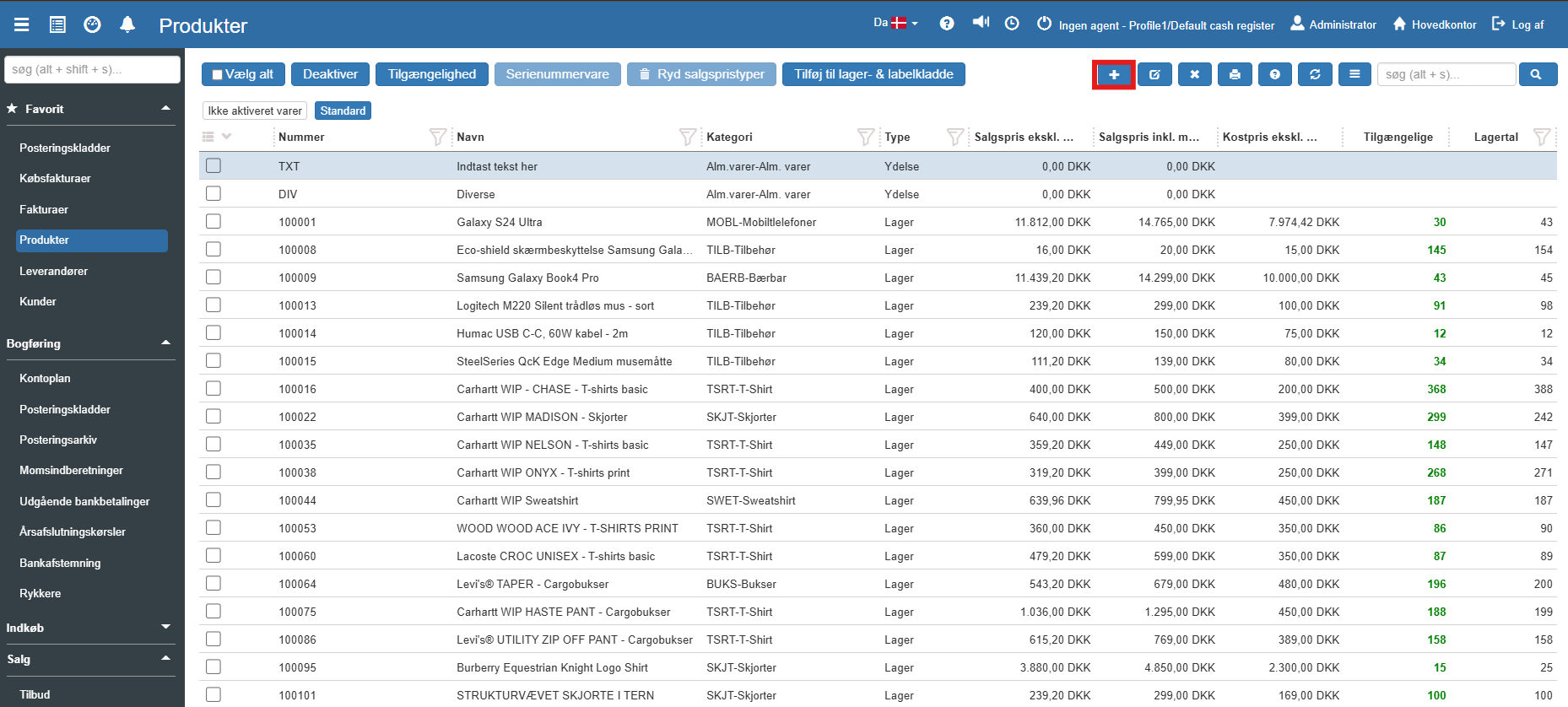
1. Click the blue Create icon (+) in the top menu to start the creation:
2. The "New Product" window now opens:
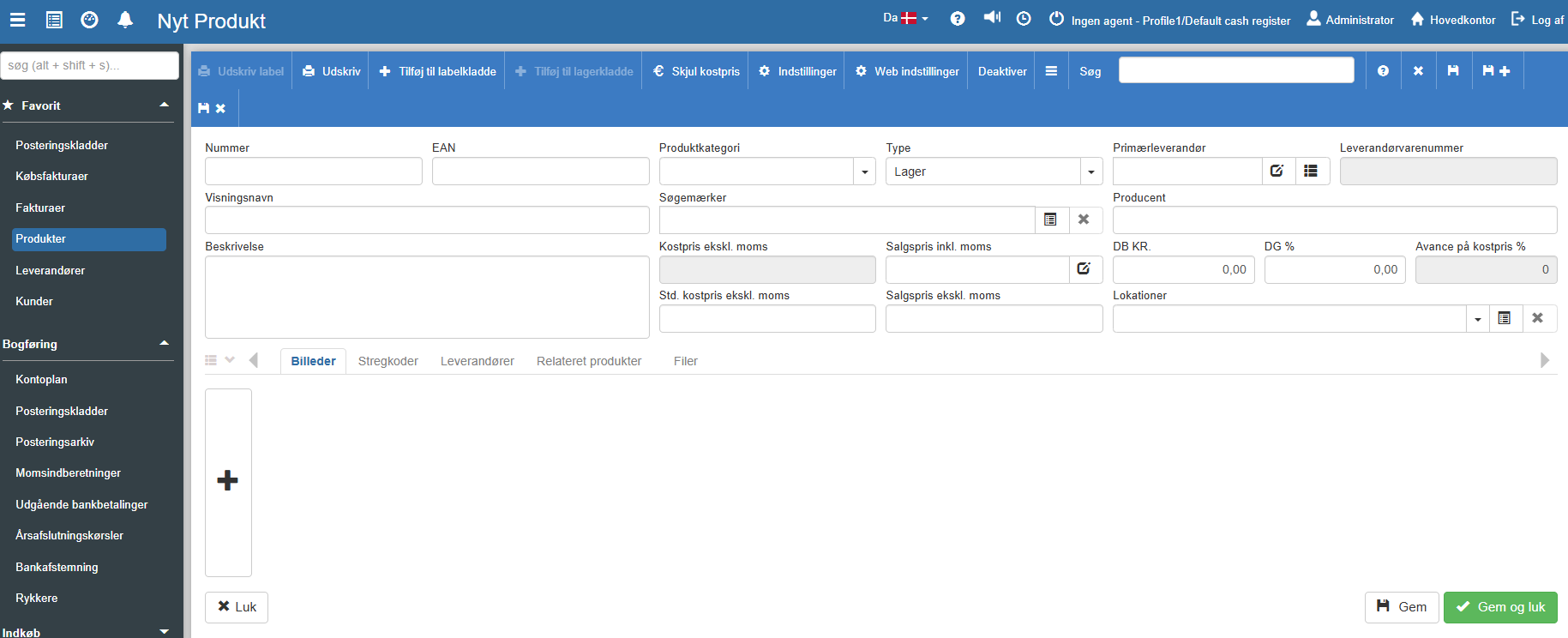
3. Fill in the relevant fields for the product:
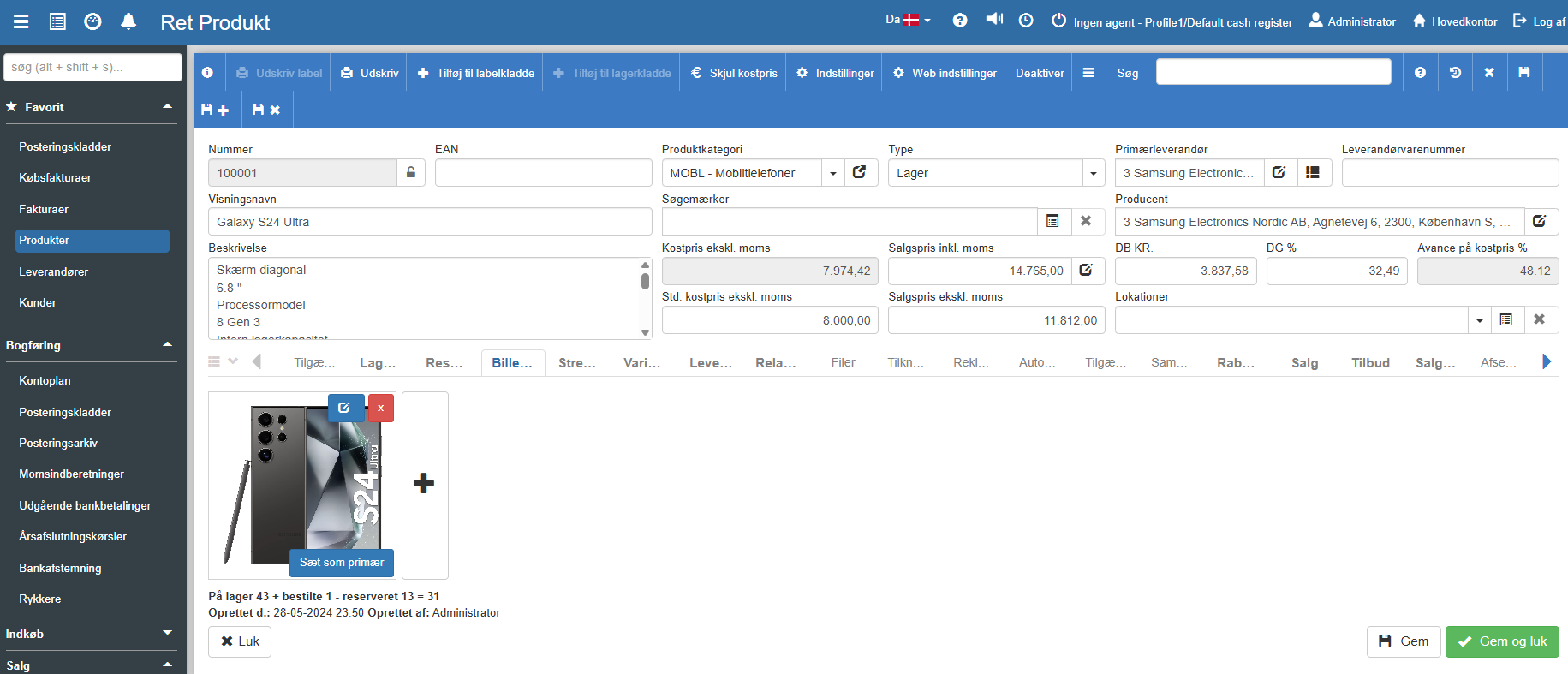
6. Finish the creation by clicking the green button Save and close at the bottom right. The product is now created and ready to be sold or purchased.
Want to know more?
This guide covers the basic creation. To get the full benefit of the module, you can read our in-depth articles here:
Products
This article explains how to create and configure a new product in Sapera