
Start by opening "Financial" in the menu in the upper left corner.
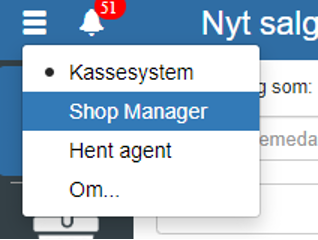
Then click "Accounting" → "Posting journals"
You can also search for "Posting journals" by clicking the search field in the upper left corner.
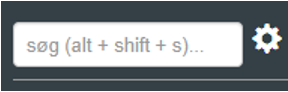
NOTE: if you cannot find "Posting journals", it is because you lack permission for it. In that case, you can contact support to get access.
Click "+"
Below is an example of creating a posting journal:
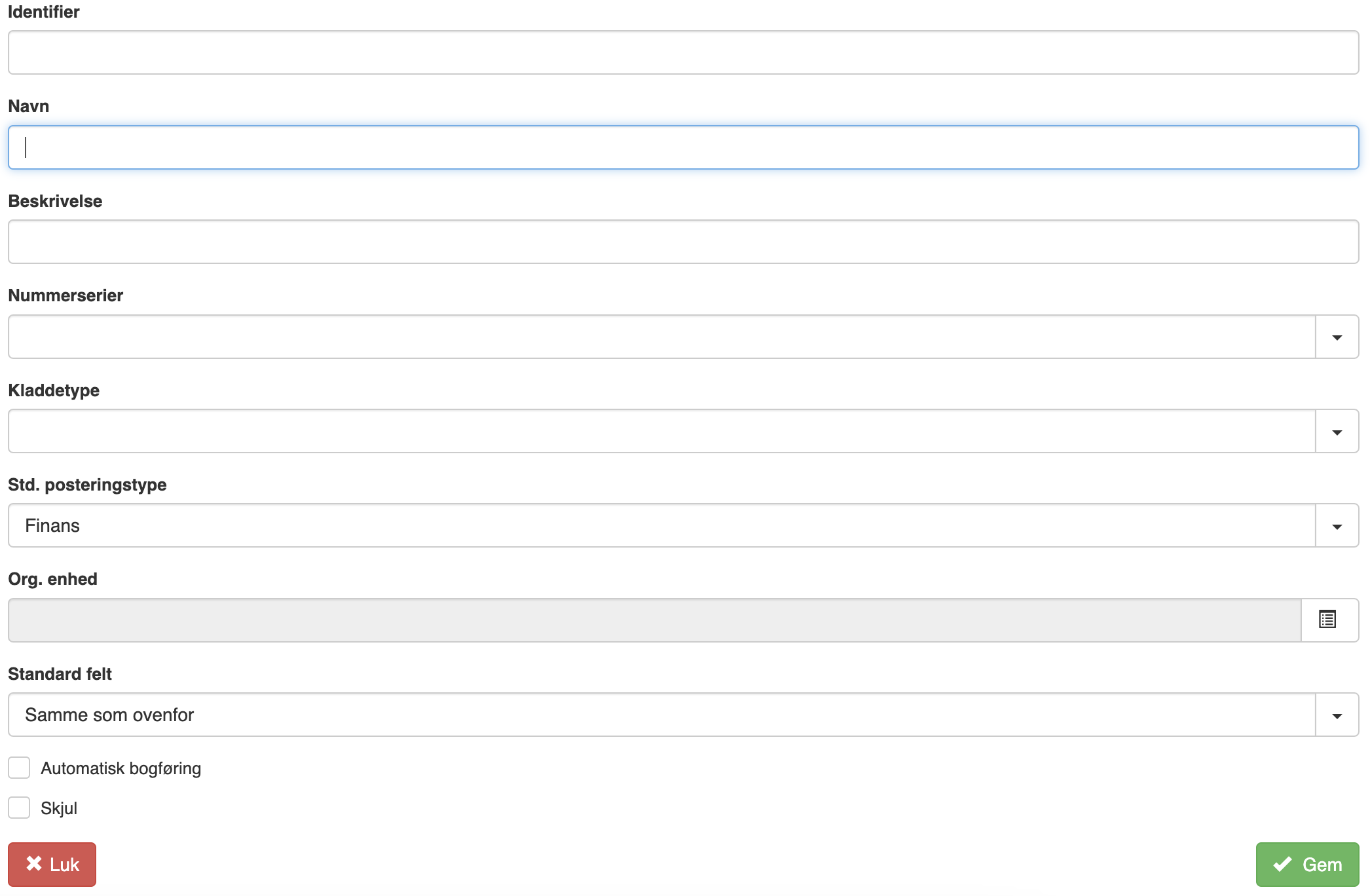
If you want to use automatic posting, check "Automatic posting"
REMEMBER to finish by clicking "Save"
Want to know more?
Read more in these related articles:
Posting journals
Overview of all posting journals in Sapera. Create, edit and delete journals, and navigate to journal entries.
Posting journal
Learn how to work in the posting journal: create, edit and delete entries, use shortcut keys, validate and post vouchers, settle accounts receivable/payable entries and understand all columns and control panels.
Hotkeys - Posting journals
This article describes the hotkeys in the posting journals module