
If you want to create a customer, this is easily done by opening the hamburger menu in the left corner and clicking "Financial". Then search for "Customers", which is found under "Actor library", and you will be taken to an overview of all your existing customers.
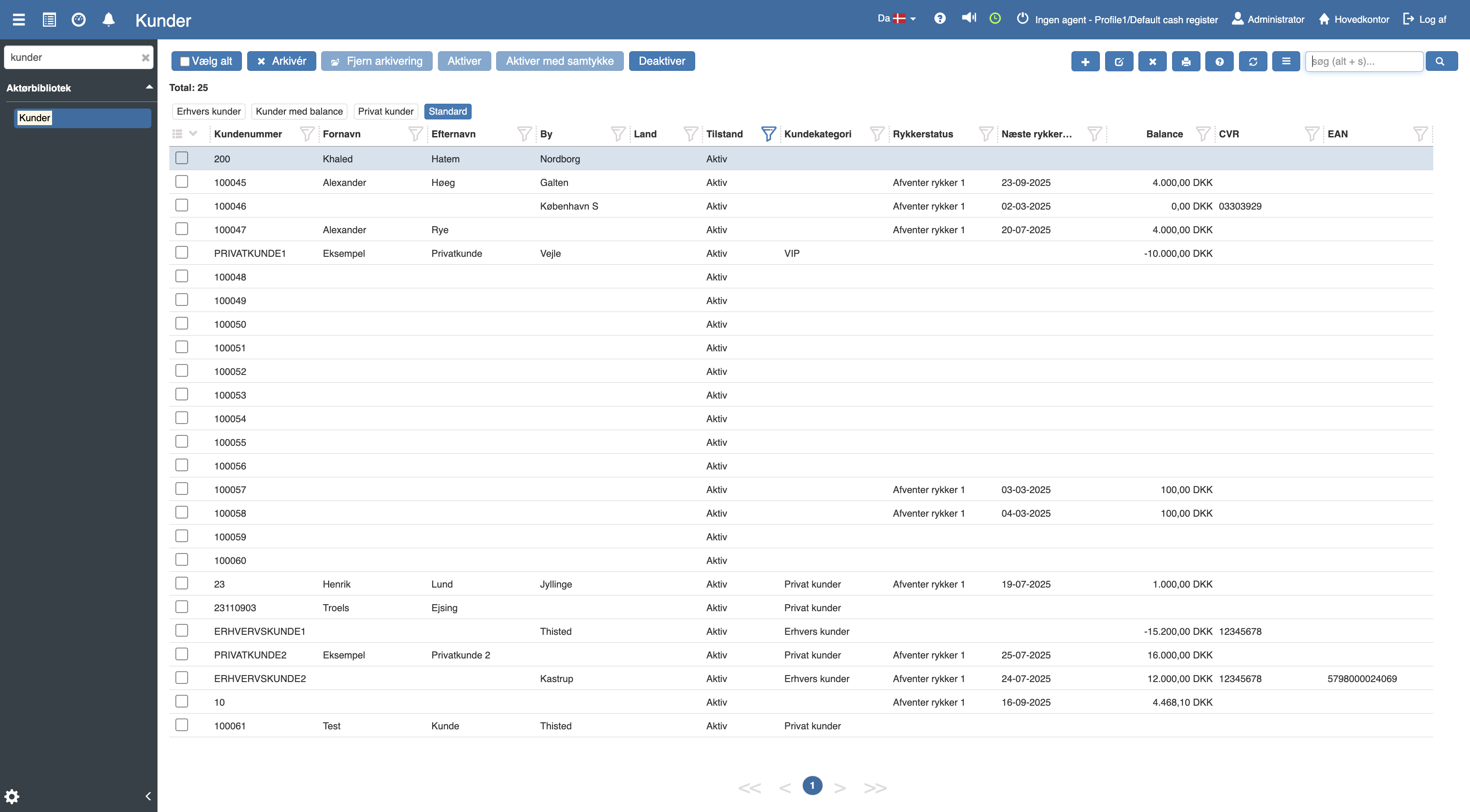
Click the blue "+" icon in the top right corner, where you select “private customer” in the dropdown menu. The following menu will then open:
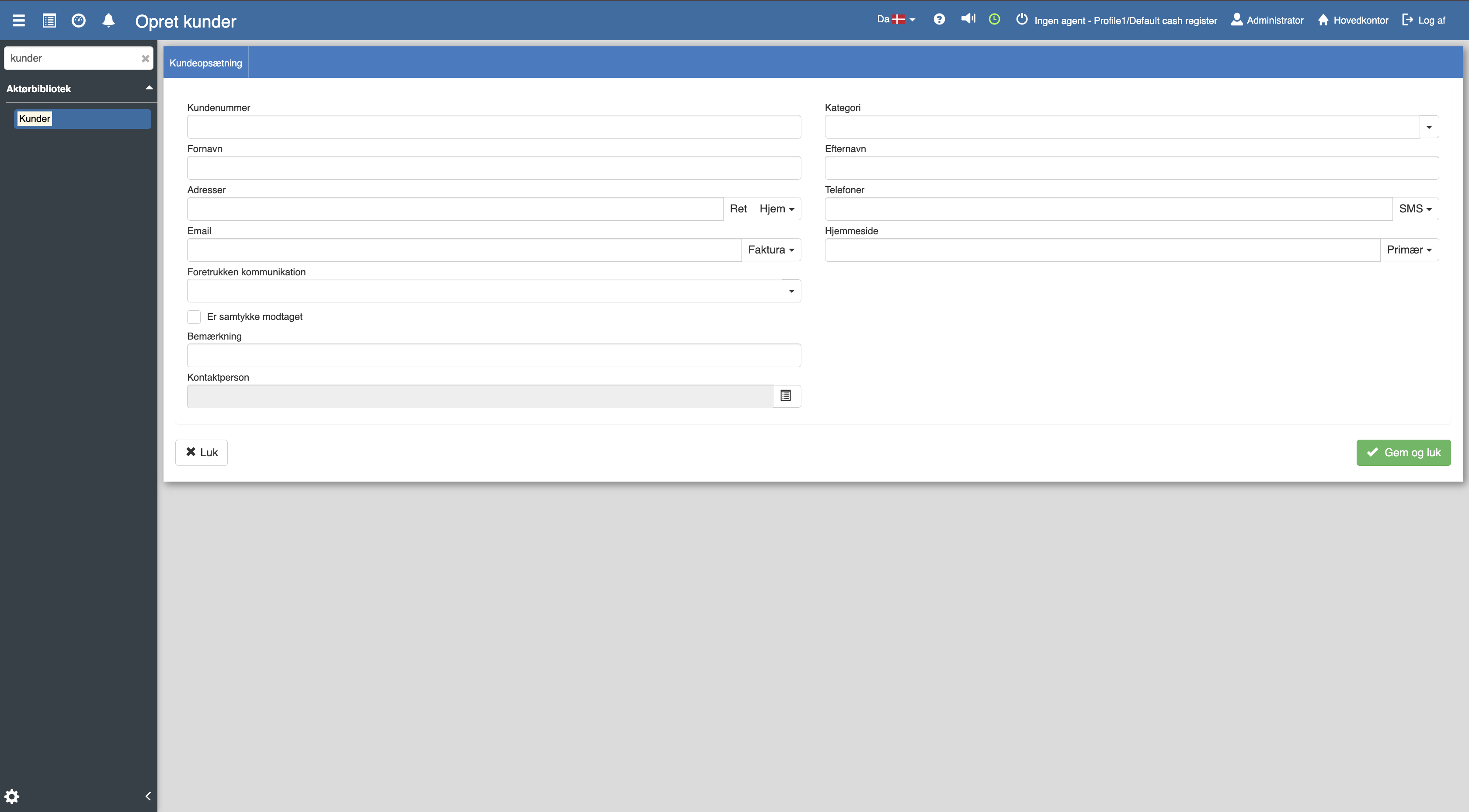
Fill in the fields and then remember to click “Save and close”.
Want to know more?
Read more in these related articles:
Creating a business customer
In this guide we will walk through how to create a business customer in Sapera
Customer setup
This quick guide walks through how you access the customer setup in Sapera, and what the various settings and fields mean for the individual customer.