
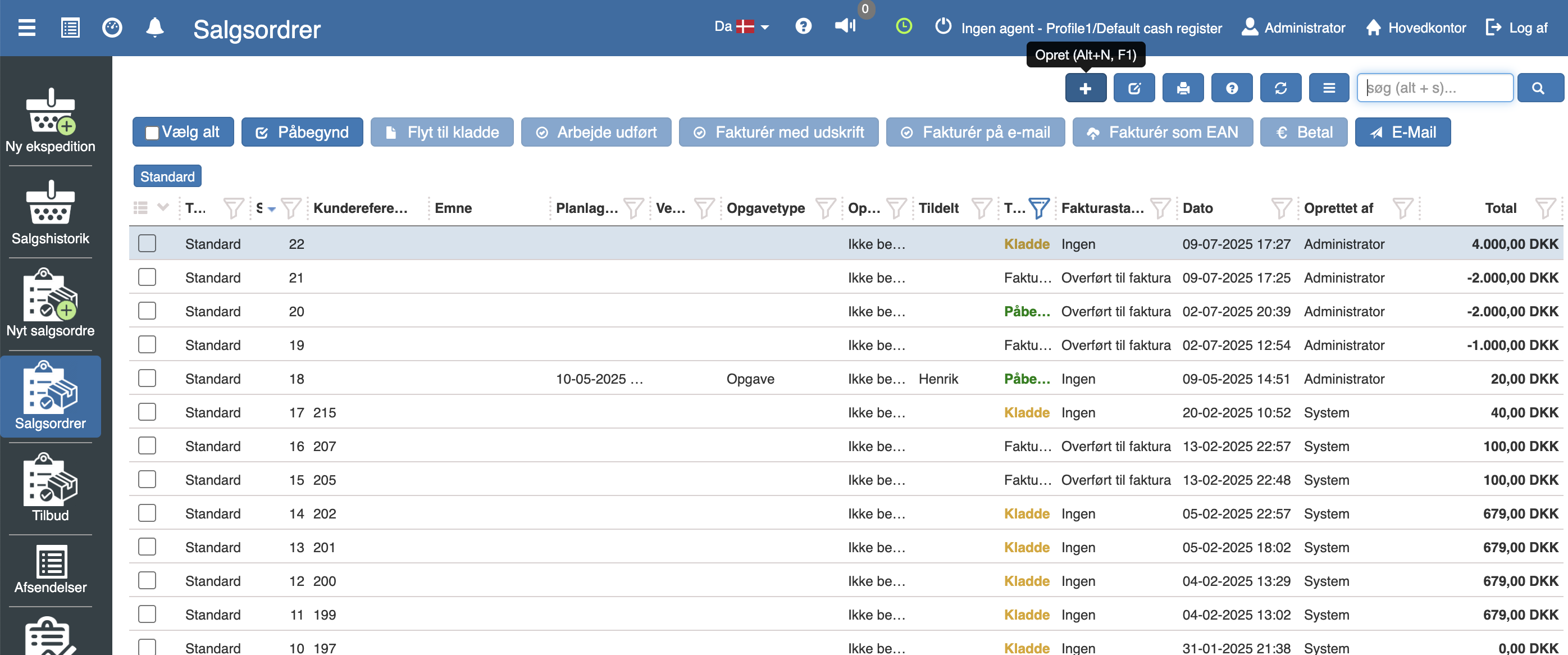
Create a new work card in “Pos” → “Sales orders” by clicking “+”.
Fill in the customer's name and details, and optionally write a subject and an amount limit if there is one.
Then, under “Lines”, add the desired items.
Click “Ready” when the desired information has been filled in and added.
Want to know more?
Read more in these related articles:
Payment and printing of work card
Payment and printing of work card
Service card
Service card for a serial number item with master data and planned service steps with dates and prices. Started from the item or a service notification via the printer icon.
Service notifications
Complete overview of planned and historical service notifications. Approve, send and error-handle messages to customers about upcoming service needs. Configure service types with steps, communication templates and execution plans.