
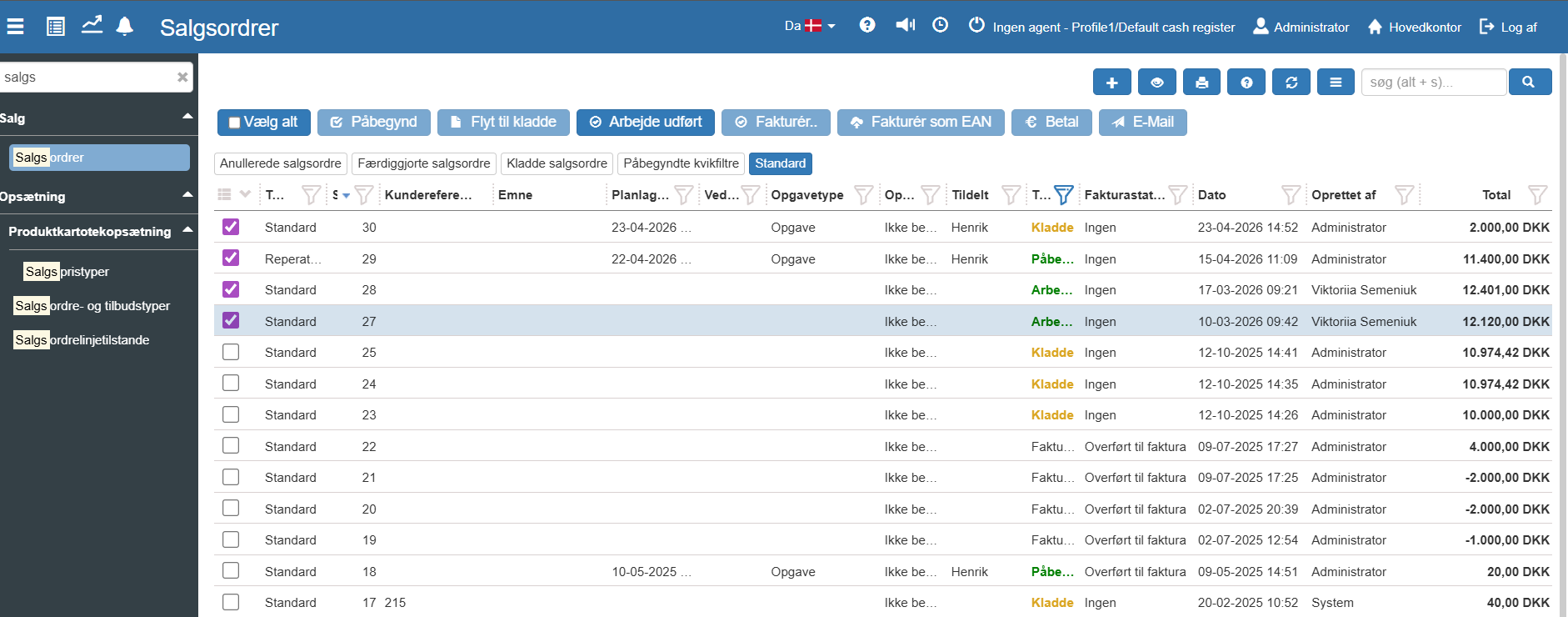
1. To transfer a sales order to Google Maps, first select the sales orders you want to plan a route for.
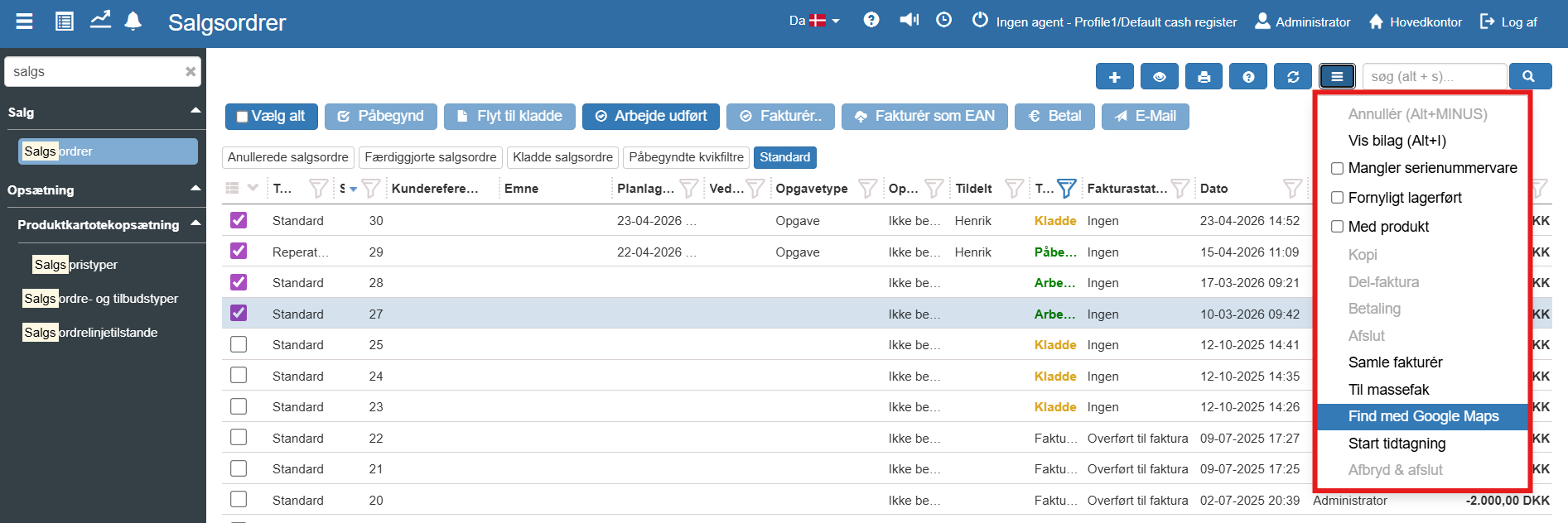
2. Then select Open sales orders in Google Maps by accessing the blue "More..." button -> "Open sales orders in Google Maps":
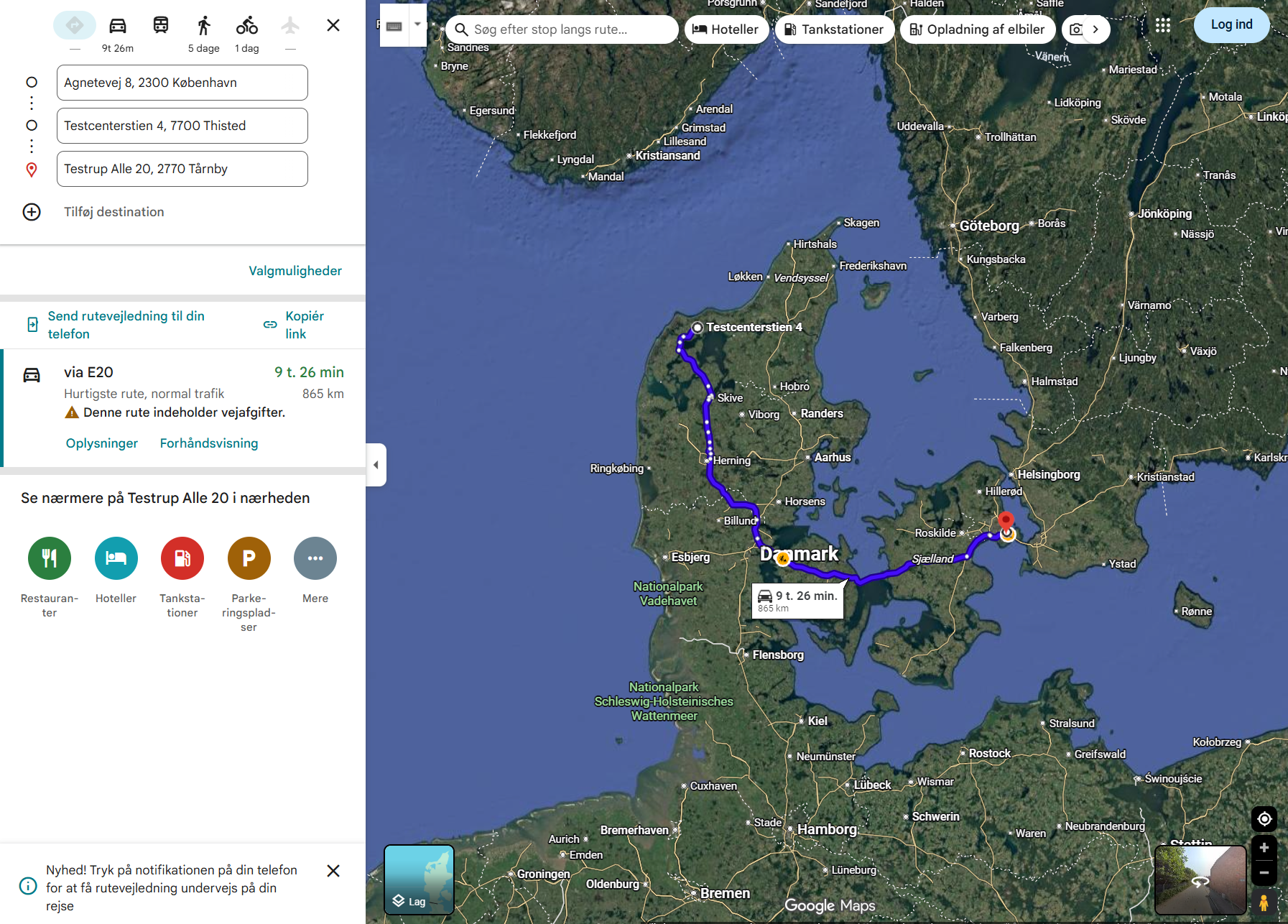
3. Google Maps now opens with a route plan for the selected sales orders:
Want to know more?
If you want to know more, you can read our more in-depth articles about sales orders below:
Sales orders
This article walks through how sales orders are created and managed in Sapera