
Start by opening "Financial" in the menu in the upper left corner.
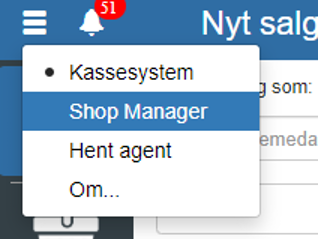
Then click "Accounting" on the left side.
If you cannot already see that "Chart of accounts" is highlighted in blue, you can access "Chart of accounts" under "Accounting" on the left side.
You can also search for "Chart of accounts" by clicking the search field in the upper left corner.
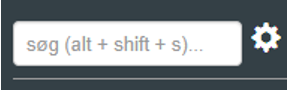
NOTE: if you cannot find "Chart of accounts", it is because you have not been granted permission for it. In that case, you can contact support to get access.
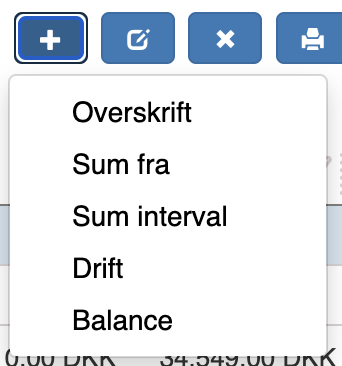
Click "+"
Select the type of account to be created.
Here is an example of creating operating accounts:
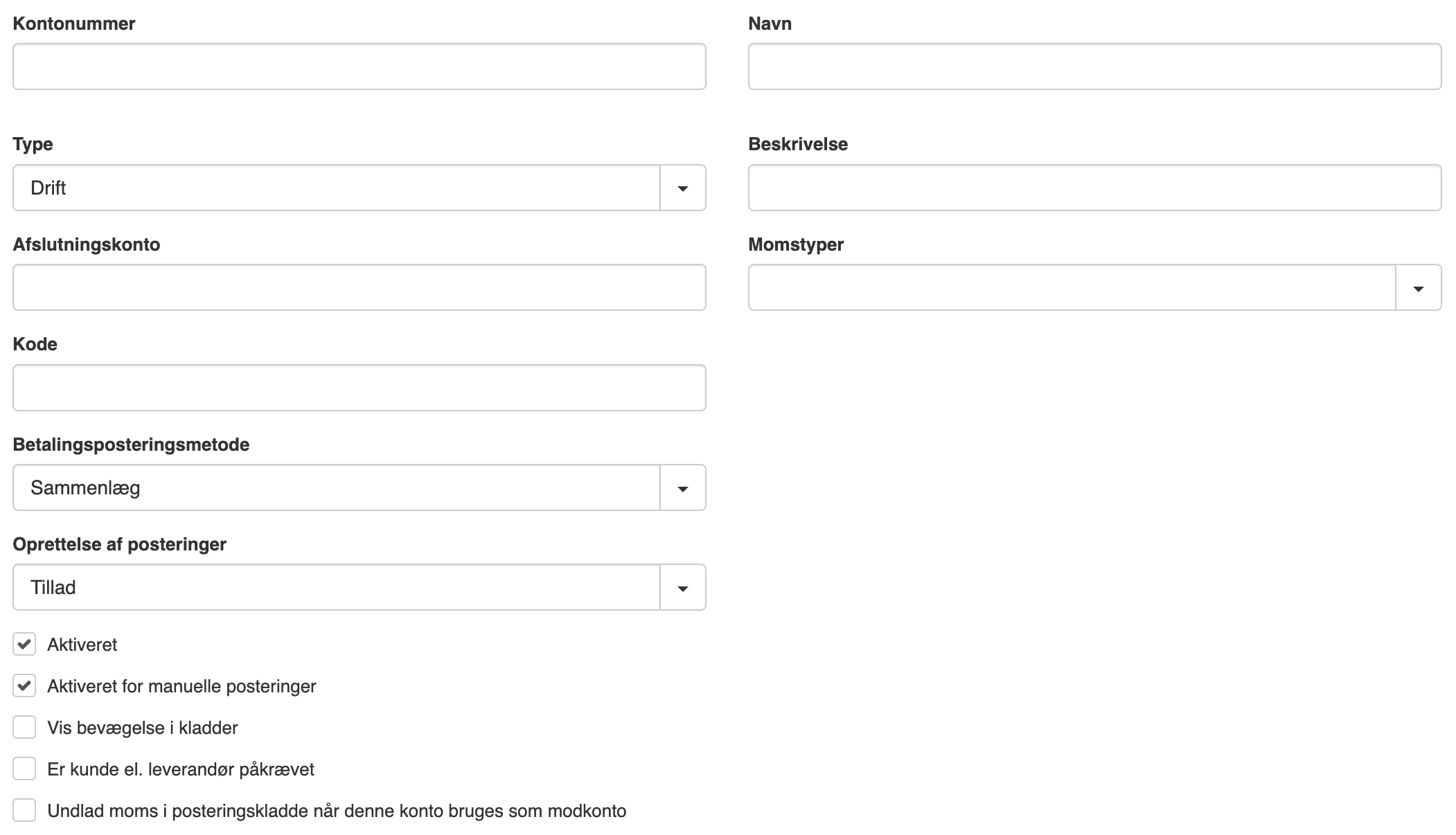
If you want to see a simulation of your entries, check "Show movements in journals"
REMEMBER to finish by clicking "Save"
Want to know more?
Read more in these related articles:
Accounting - Finance setup
This article explains how to configure the finance setup in Financial
Chart of accounts
Get an overview of all accounts in the company's chart of accounts. Create, edit and delete accounts, follow movements, and manage budget and periods directly from this screen in Financial.
Add standard accounts
This article explains how to create and use accounts from the standard chart of accounts in Sapera