
How do I create a Sales price type?
If you want to create a sales price type, this can easily be done by clicking the blue "+" icon in the top right corner.
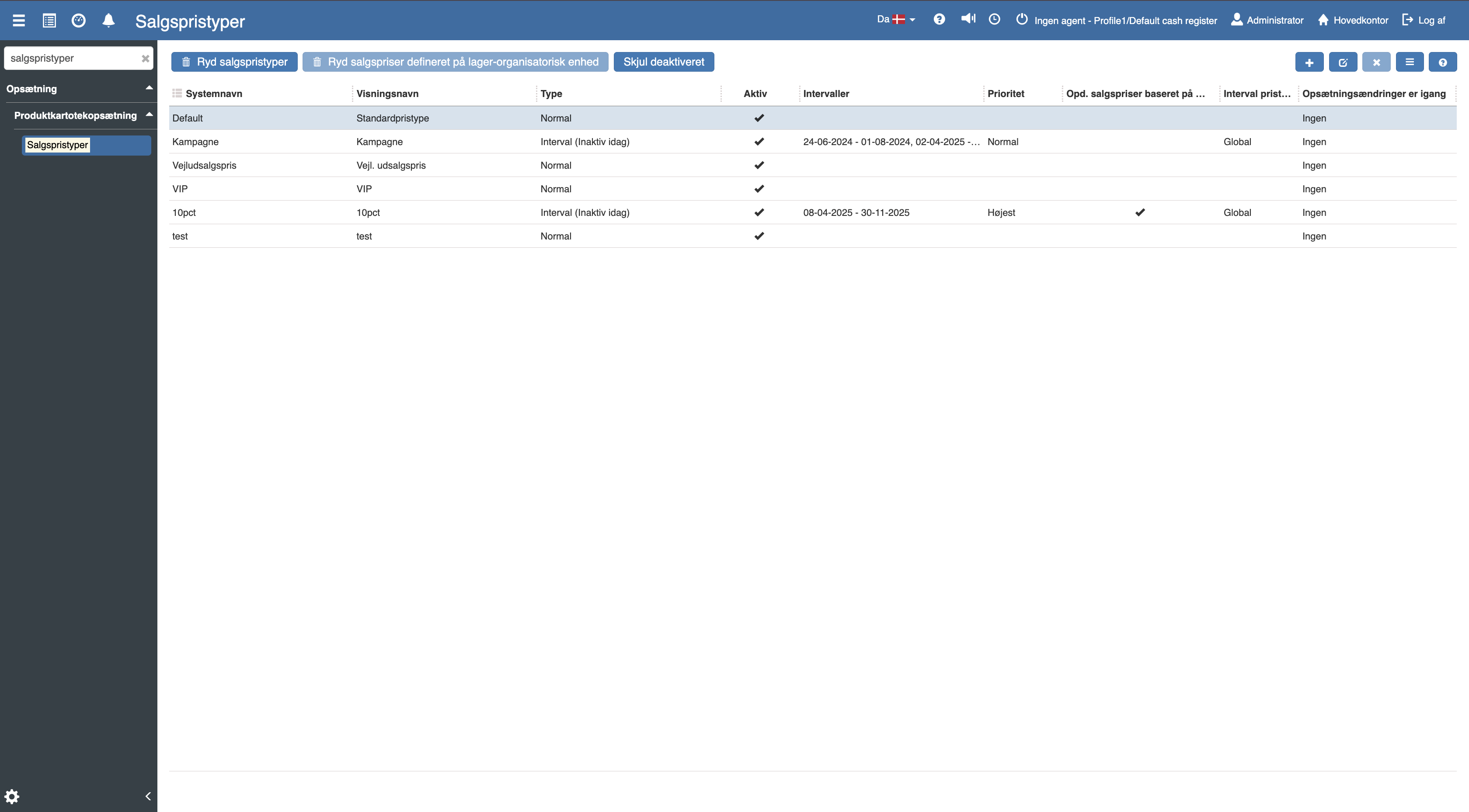
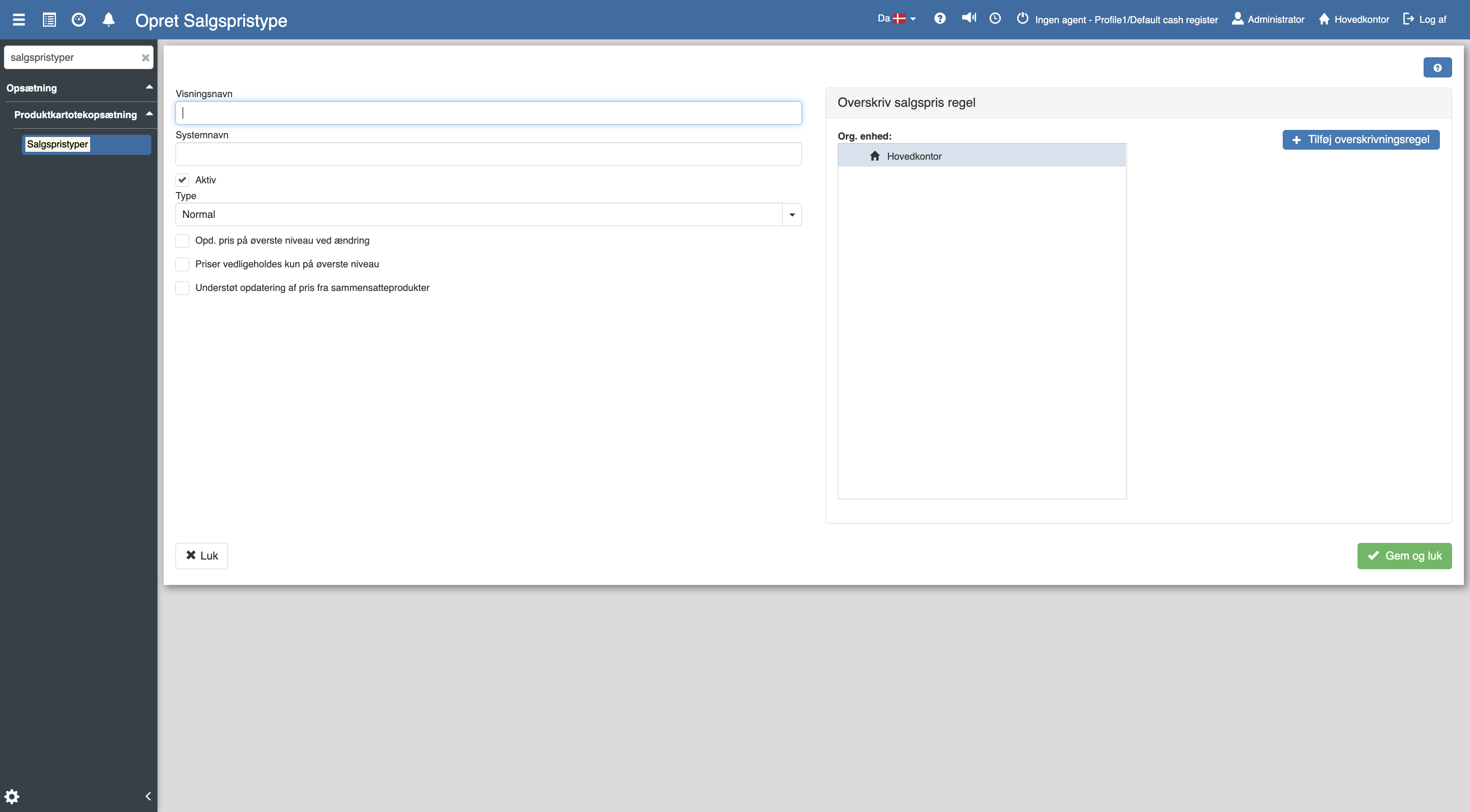
The following menu will now open, where you have the option to fill in the following fields:
Display name (e.g. Campaign)
System name (e.g. kampagne_pris)
Type (Normal or Interval)
If the sales price type is to be used, remember to check the field that says “Active”.
For advanced settings such as price rules, level control and overrides, see the full guide:
Sales price types
This article explains how you access and set up sales price types in Sapera