
If you want to give a discount on an item, you first go to the Pos and enter the desired items.
Then, in the field under “Total discount”, you can enter the monetary amount by which you want to reduce the item.
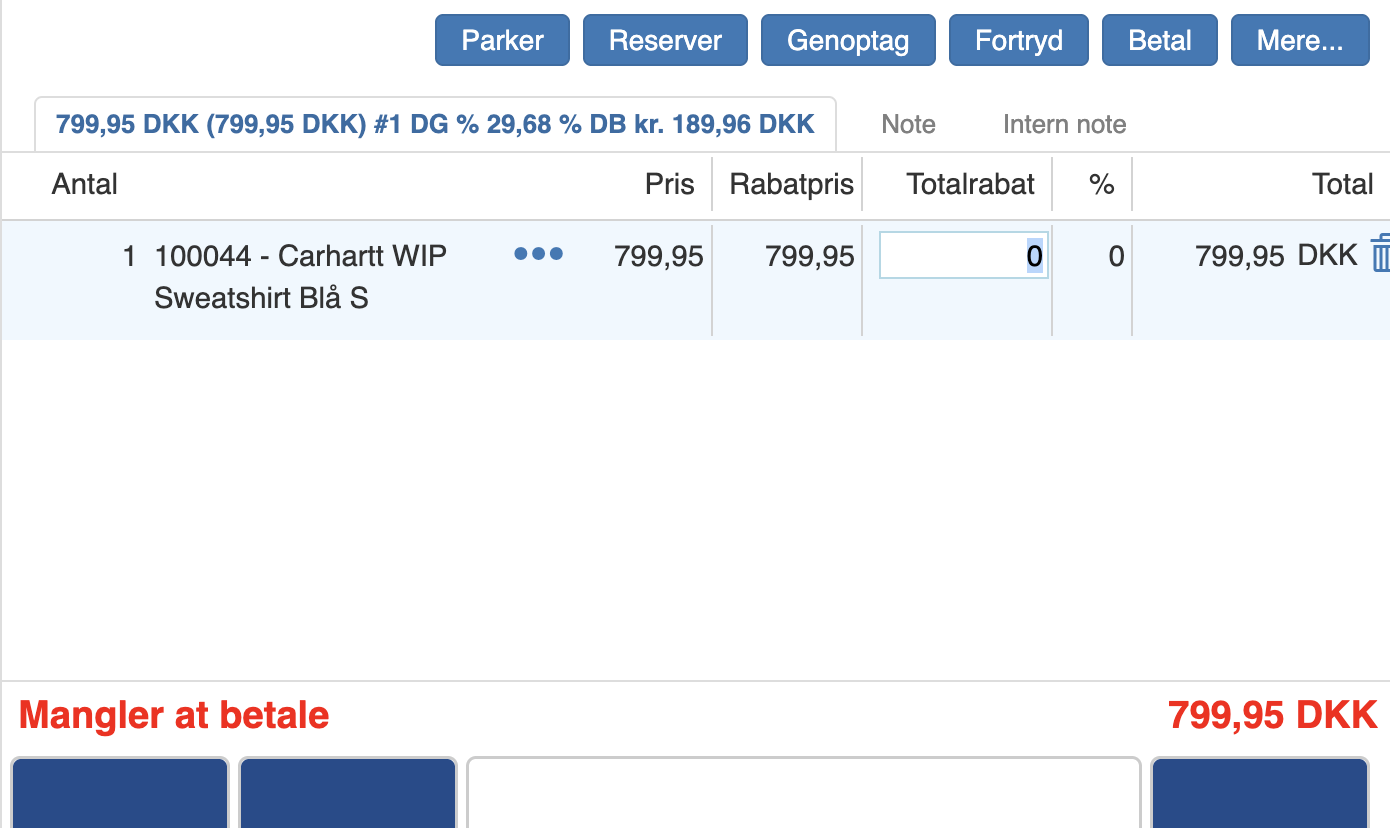
This amount will, in the %-field, be shown as a percentage.
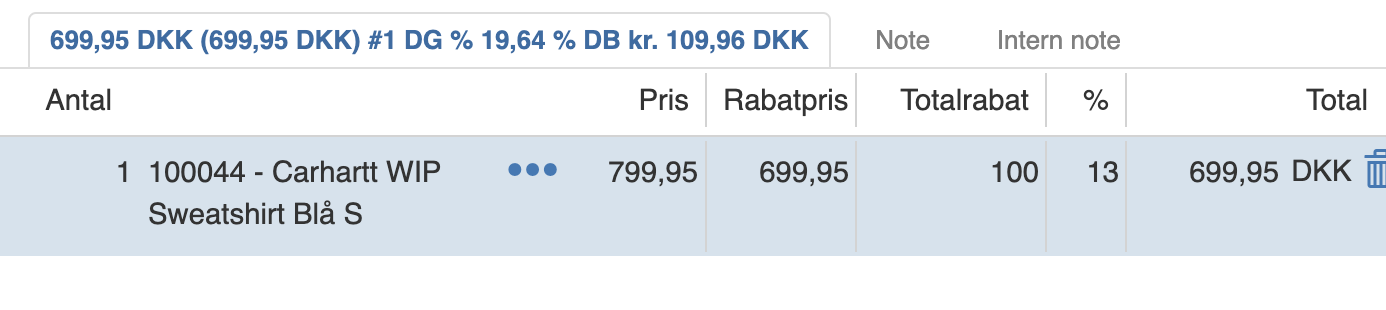
You can also choose to enter the desired percentage discount in the %-field, after which it will also be shown as an amount in kroner.
If you want to give a percentage discount on the entire purchase, enter the desired percentage in the input field and click “Offer%”.

This will then remove the entered percentage of the full amount.

Want to know more?
Read more in these related articles:
Discounts
How to create and set up discounts in Sapera — incl. types, validity, product and customer restrictions, level control and automatic activation on sale.
Assigning a discount
This article describes the methods for price adjustment in the Pos, including the use of line discounts and percentage offer rates.
Discount limits
Learn how to create and manage discount limits in Sapera. Discount limits set maximum discount amounts or discount percentages per user or user group at each organizational level, and apply automatically on sale in the Pos, on sales order lines and on invoice lines.