

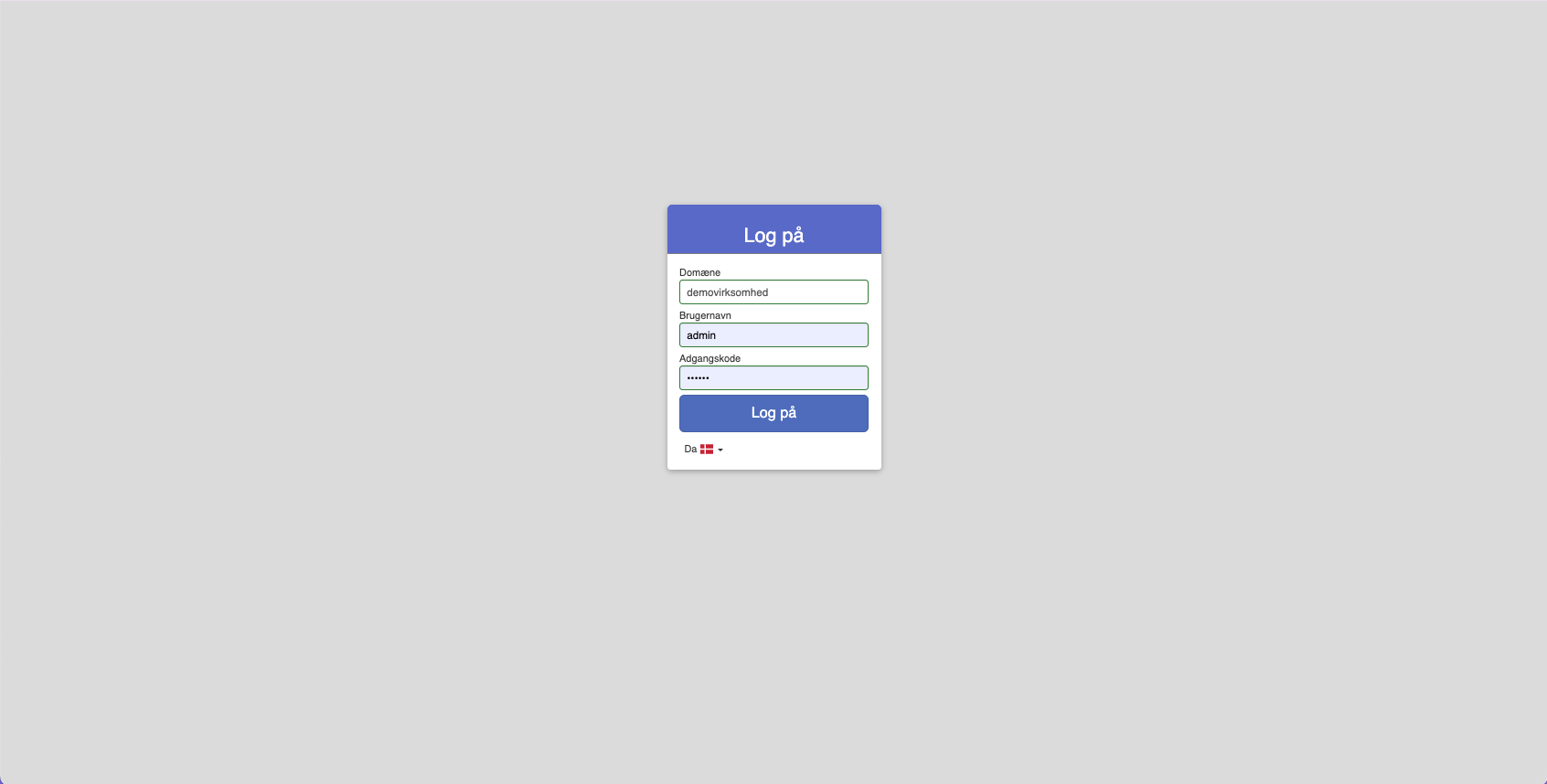
To open Sapera, you must log in to the system.
The domain is typically the same as the store name
Fill in Username and Password
Click Login
Choose the language at the bottom of the login card (choose "Danish" by default)
If you have forgotten your password, click Forgot your password? – see Reset your password from the login screen
Want to know more?
Read more in these related articles:
Reset your password from the login screen
If you have forgotten your password, you can reset it yourself from the login screen – you get a link by email and choose a new password.
Login and access
How to log in to Sapera.
Login security
Get an overview of login attempts, control which IP addresses are allowed to log in, and choose which login security method your store should use.