
How do I create a customer category?
If you want to create a new customer category, this is easily done by clicking the blue “+” icon in the top right corner.
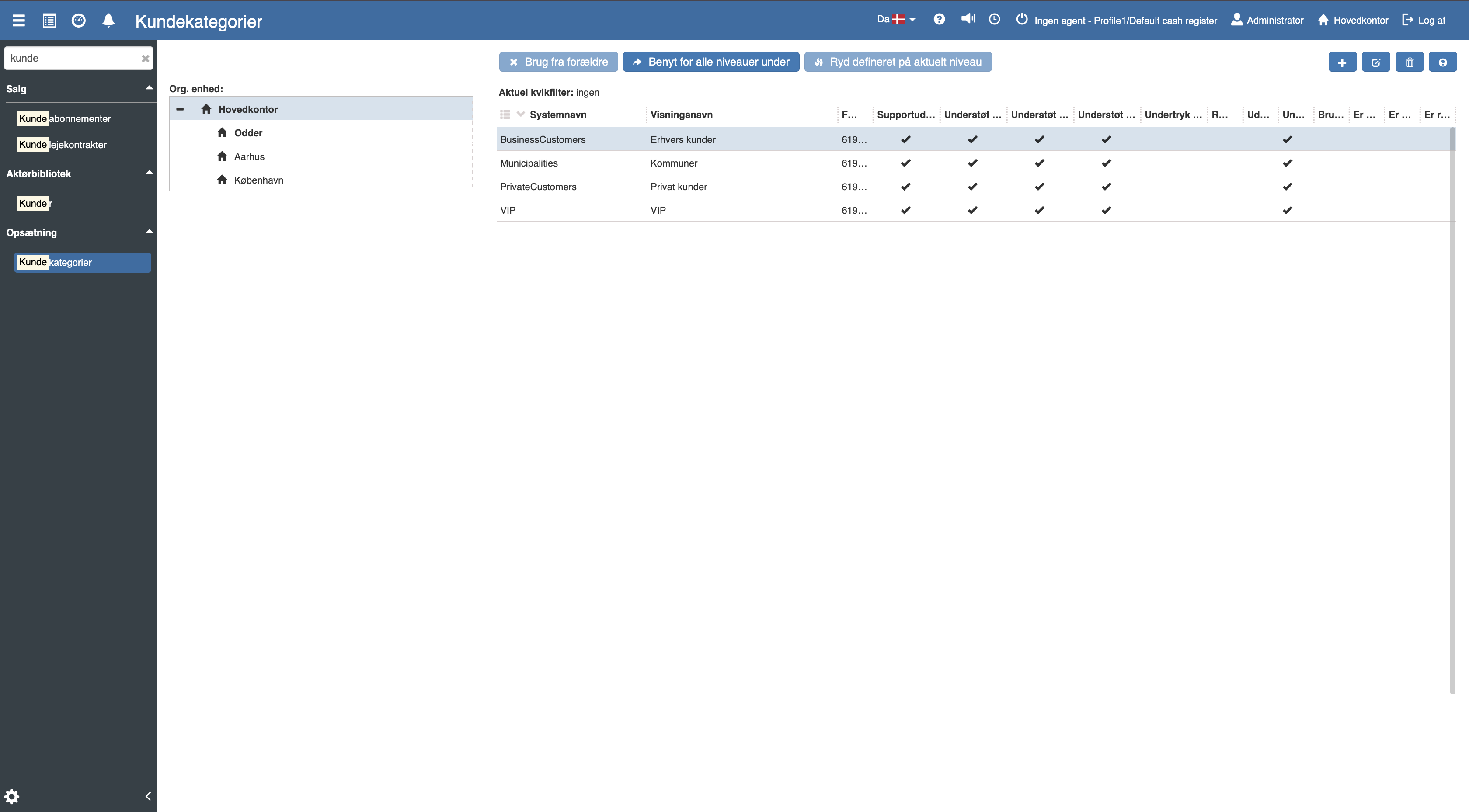
The following menu will now open with several different options and fields, where you can create a new customer category:
Customer categories are used to manage prices, payment terms, VAT, marketing and invoicing for different customer groups. Read Customer categories for more info.
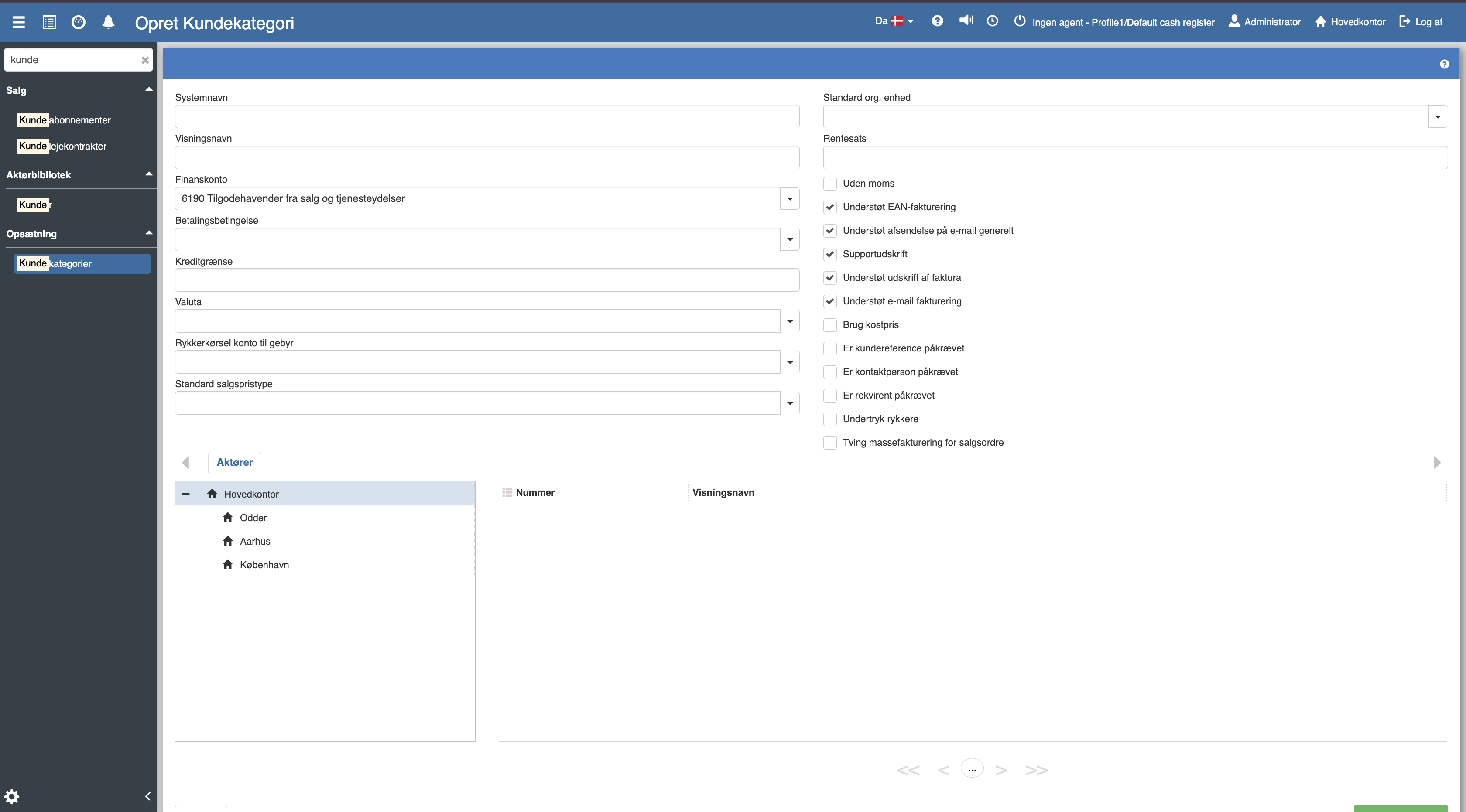
Fill in the relevant fields and finish by clicking “Save and close”.
For a detailed walkthrough of fields such as payment terms, price types, EAN invoicing and VAT setup, see the full article:
Customer categories
This article explains how to access and create customer categories in Sapera