
There are several different types of items that can be selected when you create or edit a product.
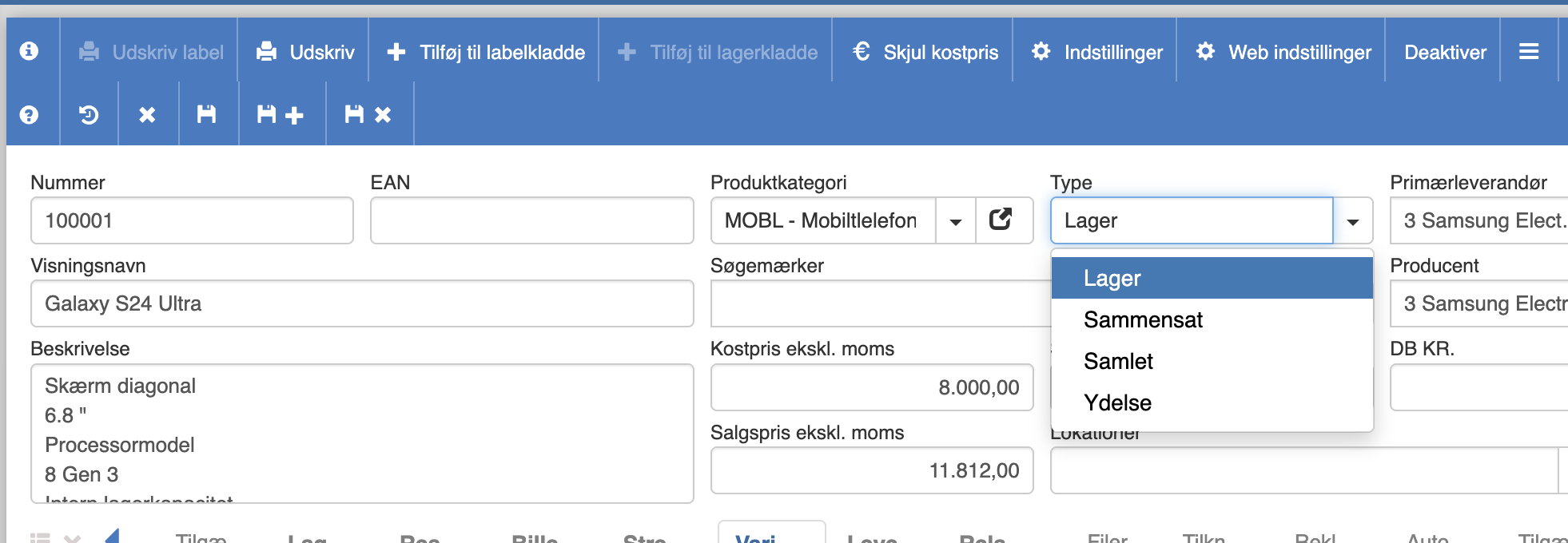
Stock item
The stock item is the completely ordinary item that is sold.
Composite item
If you set an item as a composite item, you can add some products in the “Composite products” tab by clicking “+”
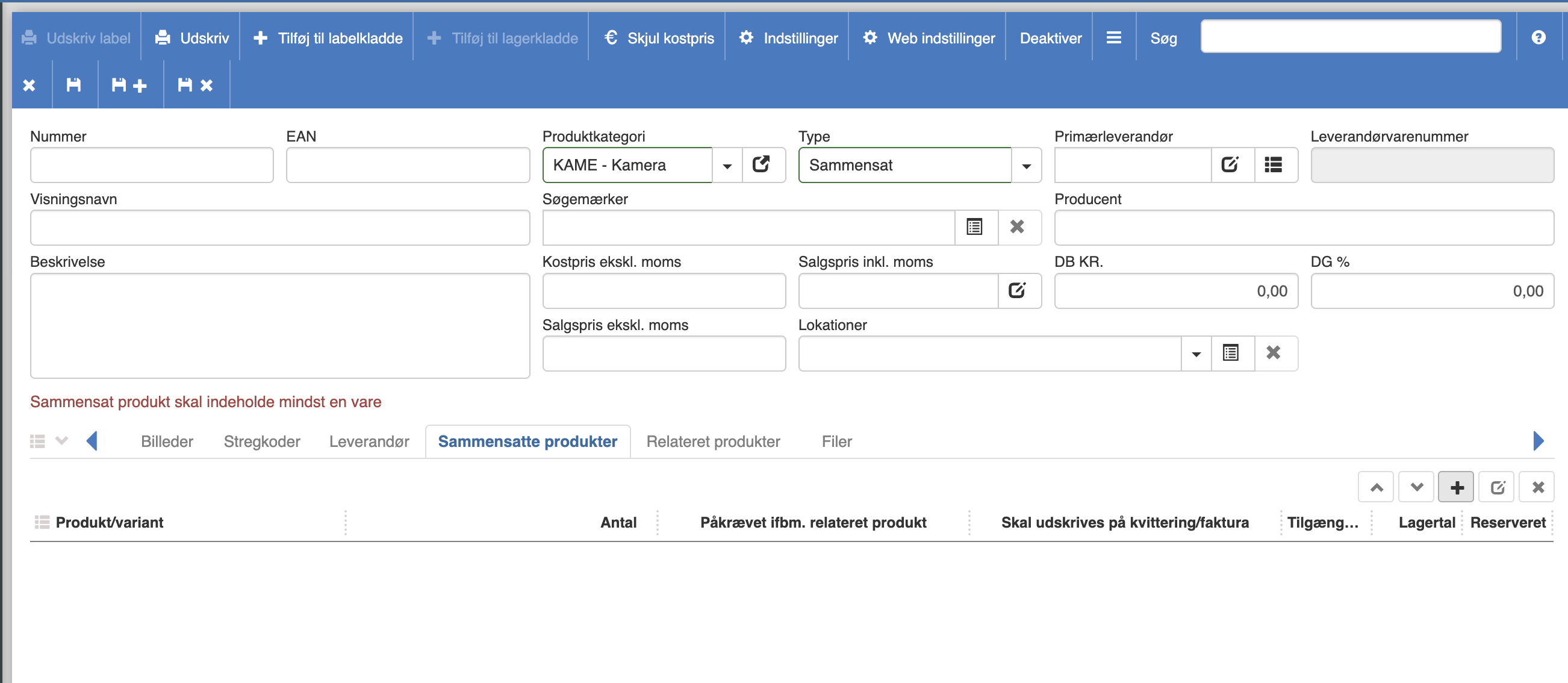
When you sell the composite item, each item will be sold as an individual item.
Bundled item
For the bundled item, some products must also be added in the “Composite products” tab
Unlike the composite item, all products linked to the bundled item will be sold as a single package.
Service
The service is not a product that can be deducted from stock.
Want to know more?
Read more in these related articles:
Products
Overall overview of all products in the system with the option to create, edit and manage items, prices, stock data and bulk operations.
New / edit product
Complete review of the product editing screen in Financial – master data, prices, settings, warnings, toolbar actions, Web settings dialog and all tabs.
Setting up products
This quick guide reviews how Sapera's product design works with inheritance from categories, and how you customize individual product settings.