Web settings are the details on a product that determine how it is presented in your web shop. Here you can, among other things, specify the display name and description the customer sees online, control stock policy and back-order handling, and optimise the product for search engines with an SEO title and keywords.
From Financial, go to Products.
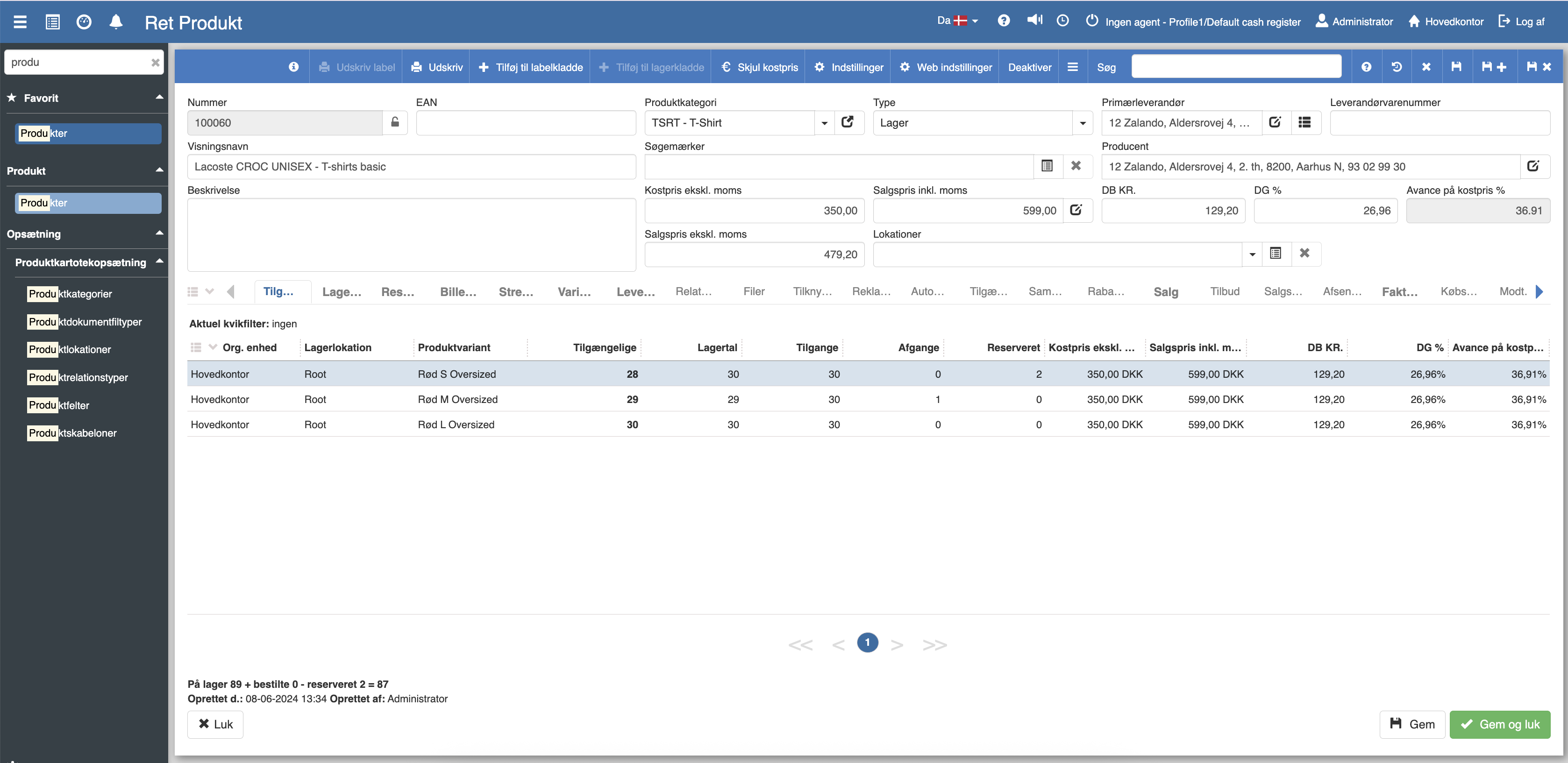
Find and open the product you want to edit.
Click Web settings in the toolbar at the top.
The "Web settings" dialog opens.
Web display name — The product name shown to the customer in the web shop. This can differ from the internal display name you use in Sapera. Leave the field blank if you want to use the same name as the product's regular display name.
Short description — A short text that is typically shown in product listings and search results in the web shop. Keep it short and precise — think of it as the first thing the customer sees.
Long description — A more detailed description of the product, typically shown on the product page itself in the web shop. Here you can describe the product's features, materials, use and other details.
Stock policy — Controls how the product's stock status is handled in the web shop. The options are:
Manage stock — The web shop keeps track of the stock balance and updates it automatically when a sale is made.
Do not manage — The stock balance is not tracked in the web shop. The product is always shown as available.
Back-order handling — Determines what happens when the product is sold out in the web shop. The options are:
Allow — The customer can order the product even when it is sold out.
Do not allow — The customer cannot order the product when it is sold out.
Notify the customer — The customer can order, but is informed that the product is sold out and the delivery time may be longer.
SEO title — The title shown in search results on Google and other search engines. A good SEO title is short, descriptive and contains relevant keywords. If the field is empty, the web display name is used by default.
SEO keywords — Keywords that help search engines understand what the product is about. Enter the words and phrases your customers are likely to search for.
Do not update after creation — Tick this if you do not want the web settings to be automatically updated when the product is changed in Sapera. This is useful if you have customised the web text manually and do not want it overwritten by future changes.
Once you have filled in the fields, click OK to save the web settings. Click Close if you want to close the dialog without saving.
Want to know more?
Read more in these related articles:
Product - web and SEO fields
A walkthrough of the web and SEO fields on a product in Sapera: web display name, descriptions, stock policy, back-order handling and SEO title and keywords.
Web shop settings
An overview of the settings for Sapera's web shop integration and how to access them.
